
Plugin Resend per WordPress
Assicurati che i tuoi clienti ricevano ogni email di WordPress
Resend rende l'invio di email semplice e moderno. WP Mail SMTP collega WordPress ad esso in pochi minuti, senza bisogno di codice.
- Email che raggiungono la casella di posta, non lo spam
- Ogni email di WordPress, instradata automaticamente
- Configurazione pulita, nessun servizio aggiuntivo da imparare
- Log completi delle email e avvisi di errore



Email di WordPress che si adatta al tuo stack di sviluppo.
Smetti di inviare email di WordPress tramite il tuo server di hosting quando la tua email aziendale passa già attraverso Resend. Reset di password, conferme d'ordine e notifiche di moduli passano attraverso la stessa configurazione pulita.
Connettiti in pochi minuti. Funziona con WooCommerce, moduli di contatto e ogni plugin che invia email WordPress.

Collega Resend a WordPress in pochi minuti
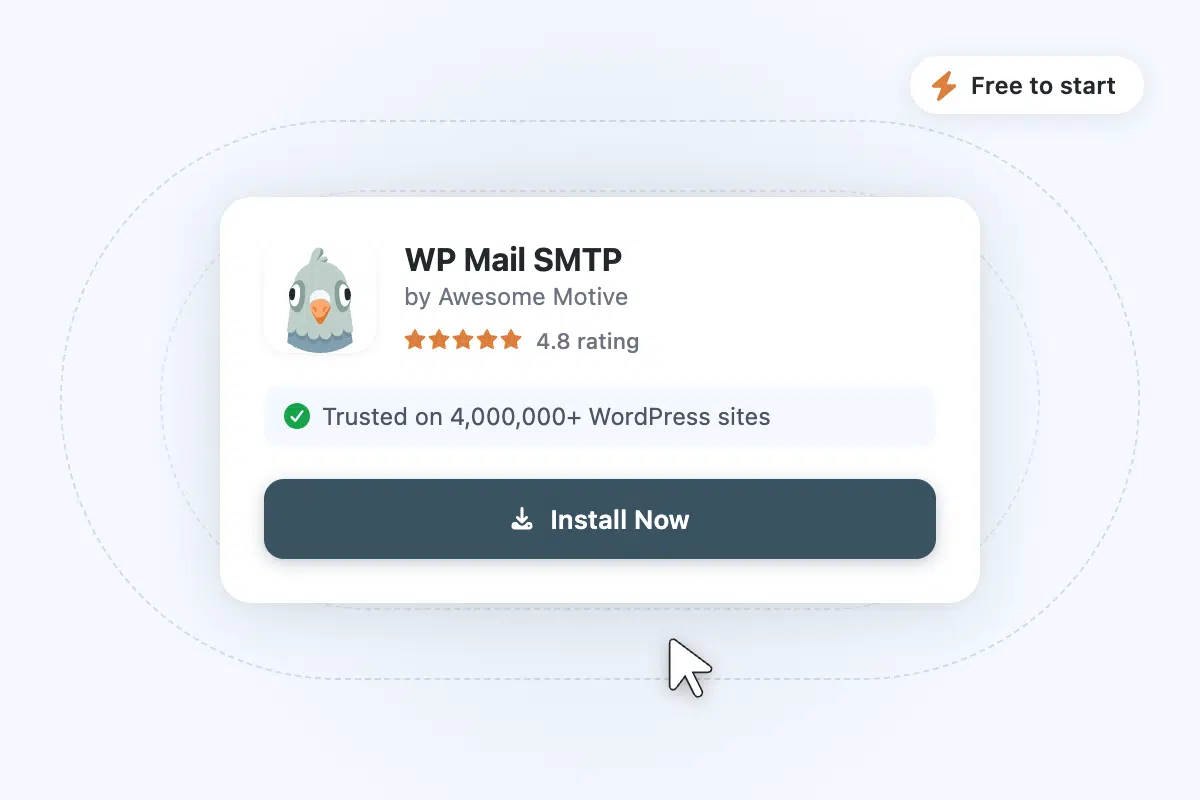
Passaggio 1: Installa WP Mail SMTP
Installa il plugin WP Mail SMTP dalla tua bacheca di WordPress. Richiede circa un minuto.
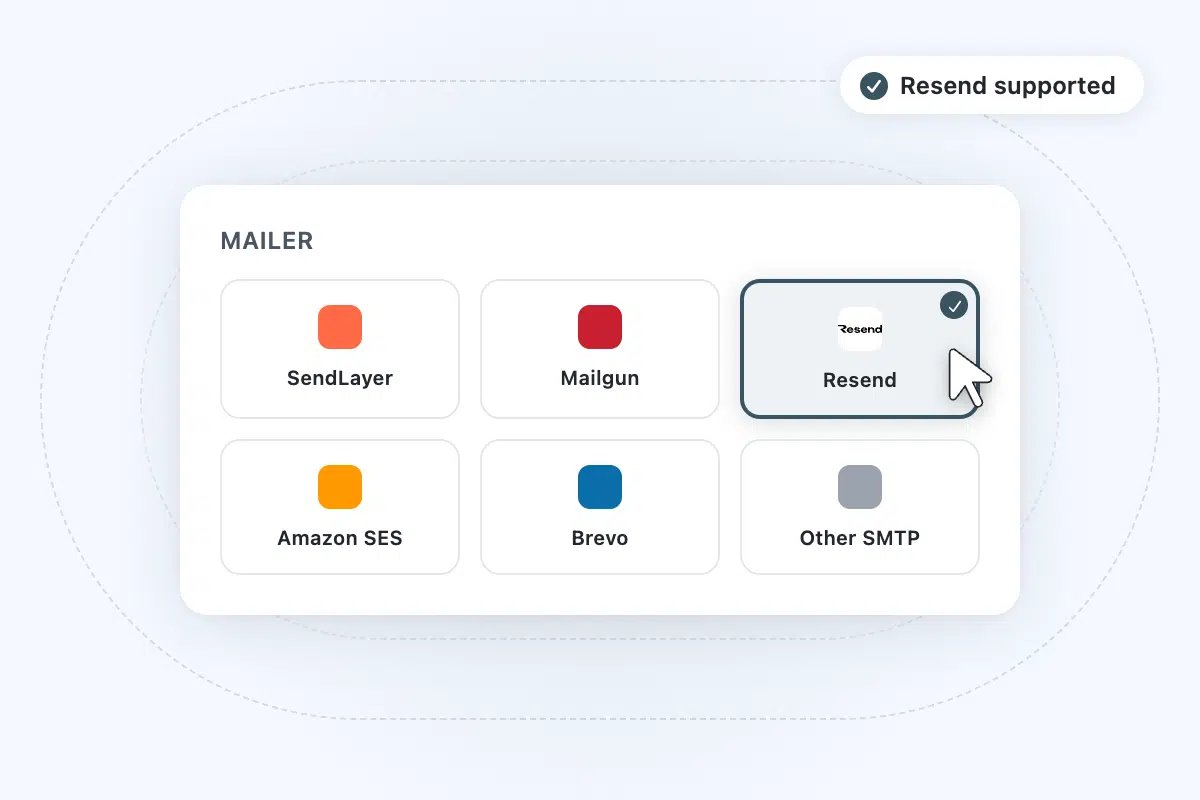
Passaggio 2: Scegli Resend
In WP Mail SMTP, scegli Resend dall'elenco dei mailer supportati.
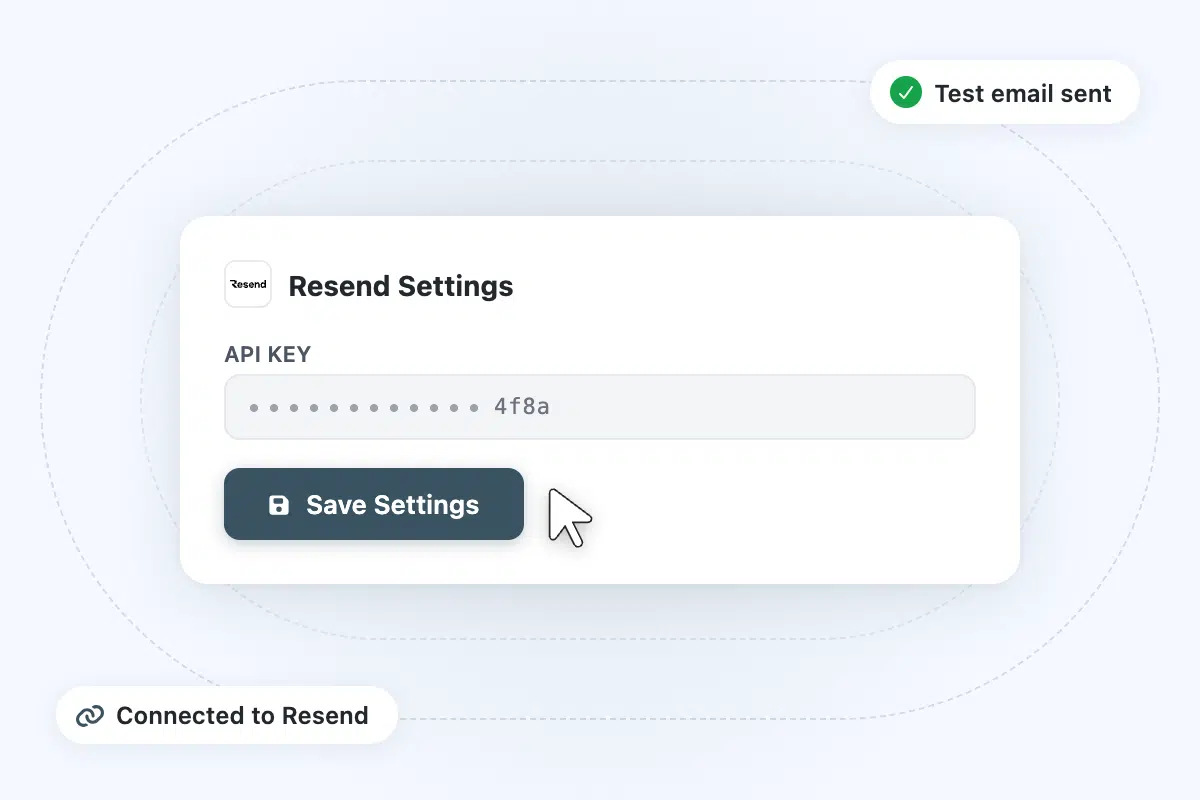
Passaggio 3: Collega il tuo account Resend
Accedi a Resend, copia la tua chiave API in WP Mail SMTP, quindi invia un test. Ogni email di WordPress passerà ora attraverso Resend.
Domande frequenti
Hai domande sull'utilizzo di Resend con WP Mail SMTP? Trova le risposte qui sotto. Se hai bisogno di ulteriore assistenza, contattaci.
Ho bisogno di WP Mail SMTP Pro per usare Resend?
No. La connessione Resend funziona sul plugin gratuito WP Mail SMTP. Incolla la tua chiave API e le tue email di WordPress inizieranno a essere instradate tramite Resend senza costi aggiuntivi. Pro aggiunge log delle email, avvisi di fallimento, monitoraggio di aperture e clic e connessioni di backup.
Uso già Resend per la mia app. Perché ho bisogno di WP Mail SMTP per WordPress?
La funzione di posta predefinita di WordPress invia tramite il tuo server di hosting, non tramite Resend. Ciò significa che i reset di password, le conferme d'ordine di WooCommerce e le notifiche dei moduli di contatto bypassano l'account di invio che hai già configurato per la tua app. WP Mail SMTP instrada tutto tramite Resend, in modo che il tuo sito WordPress utilizzi la stessa configurazione pulita del resto del tuo stack.
In cosa è diverso dall'usare l'SMTP del mio host?
L'SMTP del tuo host non offre garanzie di consegna, non ha log su cui puoi agire e condivide la reputazione di invio con ogni altro sito sul server. Se un altro sito viene segnalato come spam, anche il tuo ne risente. Resend è un'infrastruttura di invio dedicata con autenticazione integrata, e WP Mail SMTP ti fornisce un log completo di ogni email inviata o fallita.
Posso usare Resend con WooCommerce, moduli di contatto e altri plugin?
Sì. WP Mail SMTP intercetta tutte le email di WordPress a livello di sistema. Una volta connesso, ogni plugin che invia email tramite WordPress, dalle conferme d'ordine di WooCommerce alle notifiche di WPForms agli avvisi del sito di appartenenza, viene automaticamente instradato tramite Resend. Nessuna configurazione per plugin necessaria.
Quali limiti di invio ha Resend?
Resend offre un piano gratuito e diversi piani a pagamento con diversi volumi di invio. Per la maggior parte dei siti WordPress, il piano gratuito è sufficiente per coprire moduli di contatto, conferme d'ordine e reset delle password. Controlla il sito web di Resend per i limiti attuali dei piani.
Come si confronta Resend con SendLayer o MailerSend?
Resend punta molto sull'esperienza moderna per sviluppatori: una singola API key pulita, impostazioni predefinite sensate e una piccola dashboard che non ti intralcia. SendLayer è costruito dallo stesso team di WP Mail SMTP, con configurazione in un clic e supporto unificato. MailerSend si posiziona tra i due con un set di funzionalità leggermente più ampio. Se le email della tua attività vengono già gestite tramite Resend, mantenere WordPress sulla stessa configurazione è il percorso di minor attrito.
Altro da WP Mail SMTP

Miglioramento della recapitalità delle email
Inoltra le tue email WordPress tramite infrastrutture attendibili e smetti di perderle nei filtri antispam o a causa di fallimenti silenziosi nella consegna.
- Evita che le email finiscano nello spam con un'autenticazione corretta.
- Mantieni una solida reputazione del mittente per una consegna costante.
- Assicurati che le email vengano inviate con connessioni di backup e routing intelligente.

Avvisi di fallimento delle email
Ricevi una notifica nel momento in cui una consegna fallisce, prima che i tuoi clienti debbano informarti.
- Notifiche istantanee per qualsiasi fallimento di email.
- Avvisi via email, SMS, Slack, Teams o webhook.
- Risolvi i problemi di recapitalità prima che influiscano sui clienti.

Report Email
Visualizza una cronologia completa delle email inviate con tassi di apertura, tassi di clic e stato di consegna, tutto all'interno della tua dashboard WordPress.
- Monitora i tassi di apertura, i tassi di clic e le metriche chiave.
- Identifica le tendenze e individua i problemi di recapitalità in anticipo.
- Accedi e rivedi i dati sulle prestazioni a colpo d'occhio.