
WordPress Elastic Email Plugin
Reliable WordPress email at any volume
Elastic Email is built for sending at scale without the enterprise price tag. WP Mail SMTP plugs WordPress into it in a few minutes, no code required.
- Emails that reach the inbox, not spam
- Every WordPress email, automatically routed
- Scale your sending without scaling the bill
- Full email logs and failure alerts



Make WordPress part of your volume sending setup.
Stop sending WordPress emails through your hosting server when your real volume needs dedicated infrastructure. Newsletters, order confirmations, and password resets go through Elastic Email, the same network you use for everything else that can’t bounce.
Connect in minutes. Works with WooCommerce, contact forms, and every plugin that sends WordPress email.

Connect Elastic Email to WordPress in minutes
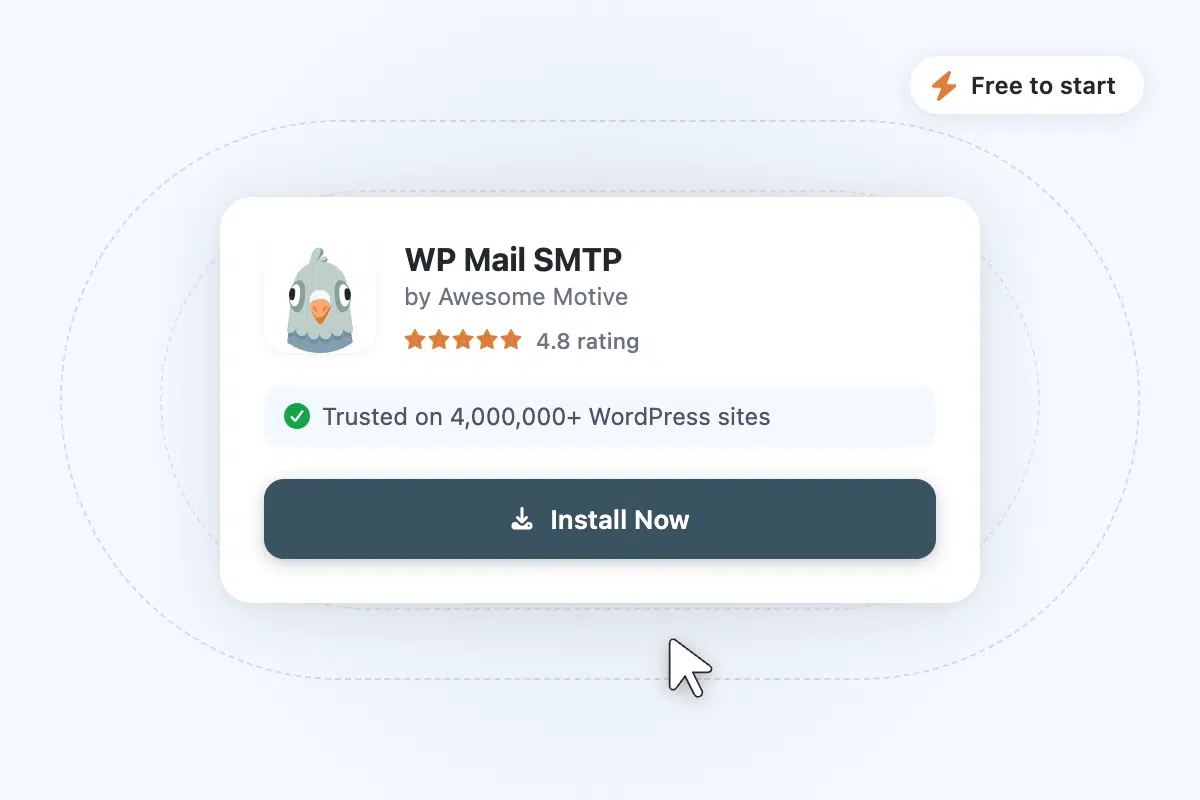
Step 1: Install WP Mail SMTP
Install the WP Mail SMTP plugin from your WordPress dashboard. Takes about a minute.
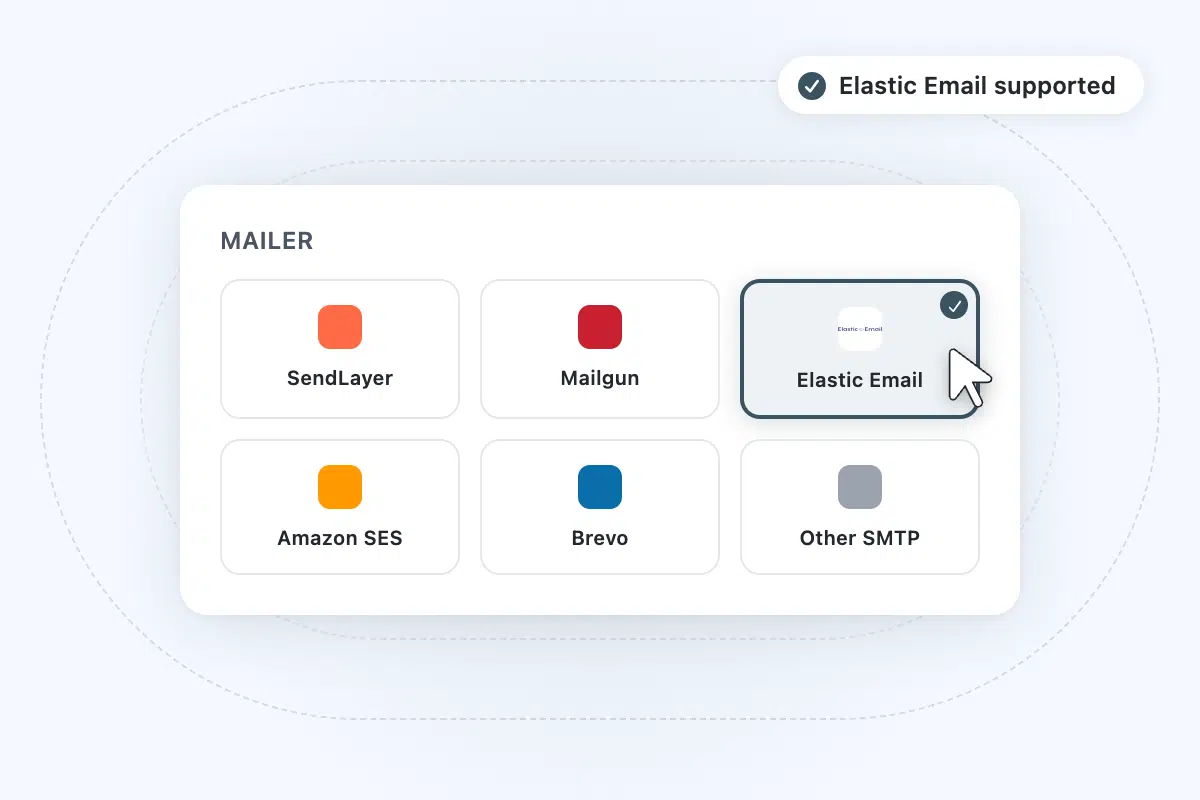
Step 2: Choose Elastic Email
In WP Mail SMTP, pick Elastic Email from the list of supported mailers.
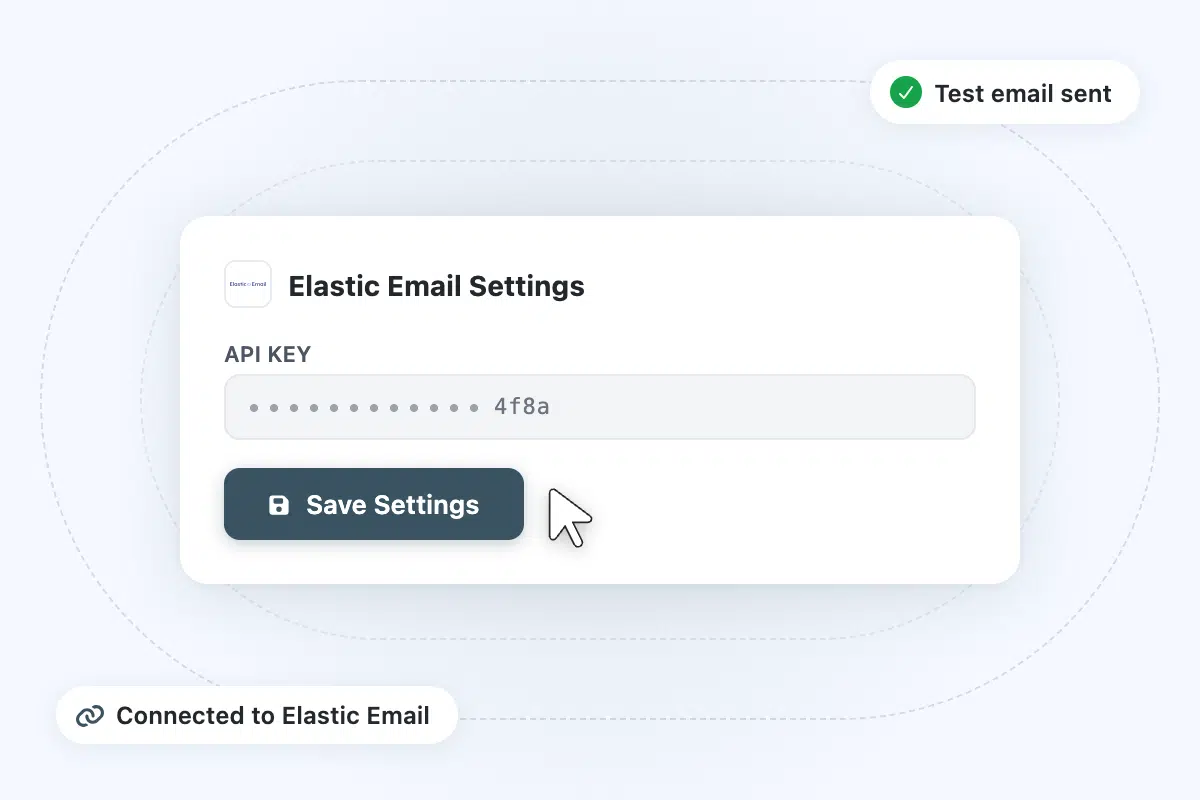
Step 3: Connect your Elastic Email account
Sign in to Elastic Email, generate an API key with sending permission, paste it into WP Mail SMTP, then send a test.
Frequently asked questions
Have questions about using Elastic Email with WP Mail SMTP? Get answers below. If you need further assistance, contact us.
Do I need WP Mail SMTP Pro to use Elastic Email?
No. The Elastic Email connection works on the free WP Mail SMTP plugin. Paste your API key, and your WordPress emails start routing through Elastic Email at no extra cost. Pro adds email logs, failure alerts, open and click tracking, and backup connections.
I already use Elastic Email. Why do I need WP Mail SMTP?
WordPress’s default mail function sends through your hosting server, not through Elastic Email. That means password resets, WooCommerce order confirmations, and contact form notifications skip the sending account you’re already paying for. WP Mail SMTP routes everything through Elastic Email instead, so every WordPress email benefits from your sending reputation.
How is this different from using my host’s SMTP?
Your host’s SMTP has no delivery guarantees, no logs you can act on, and shares sending reputation with every other site on the server. Hosts also cap how many emails you can send before they throttle or block you. Elastic Email is dedicated sending infrastructure built for higher volume, and WP Mail SMTP gives you a full log of every email that was sent or failed.
Can I use Elastic Email with WooCommerce, contact forms, and other plugins?
Yes. WP Mail SMTP intercepts all WordPress email at the system level. Once connected, every plugin that sends email through WordPress, from WooCommerce order confirmations to WPForms notifications to membership site alerts, routes automatically through Elastic Email. No per-plugin configuration needed.
What sending limits does Elastic Email have?
Elastic Email offers a free tier and several paid plans built for higher monthly volumes than most other mailers in this list. Their pricing scales with your sending and contact counts. Check elasticemail.com/pricing for current plan limits.
How does Elastic Email compare to SendLayer or MailerSend?
Elastic Email is built for higher monthly volume at a lower per-email cost. That makes it a strong fit if you send newsletters or run a big store. SendLayer is built by the same team as WP Mail SMTP, with one-click setup and unified support. MailerSend sits in a more transactional-focused space. If volume and per-email cost are your main concerns, Elastic Email is worth a look.
More from WP Mail SMTP

Improved Email Deliverability
Route your WordPress emails through trusted infrastructure and stop losing them to spam filters or silent delivery failures.
- Prevent emails landing in spam with proper authentication.
- Maintain a strong sender reputation for consistent delivery.
- Keep emails going out with backup connections and smart routing.

Email Failure Alerts
Get notified the moment a delivery fails, before your customers have to tell you.
- Instant notifications for any email failure.
- Alerts via email, SMS, Slack, Teams, or webhook.
- Resolve delivery problems before they affect customers.

Email Reports
See a full history of sent emails with open rates, click rates, and delivery status, all inside your WordPress dashboard.
- Monitor open rates, click rates, and key metrics.
- Identify trends and spot delivery problems early.
- Access and review performance data at a glance.