
Postmark for WordPress
Fix WordPress email with Postmark
WP Mail SMTP routes every email your WordPress site sends through Postmark, so password resets, receipts, and notifications arrive with the same reliability as the rest of your transactional sending.
- Transactional email that arrives
- Keeps your streams separate
- Set up in under 10 minutes
- Free with WP Mail SMTP Lite



Common questions
Things people ask before connecting Postmark to WordPress. If your question isn’t here, get in touch.
Will this affect my Postmark deliverability?
WP Mail SMTP sends through Postmark’s API the same way any other client would, so your sender reputation and deliverability are handled by Postmark exactly as expected.
Do I need to verify a domain or just a single email address?
Either works. A single Sender Signature is fine if you’ll only ever send from one address. Verifying a whole domain is the stronger choice, since you can then send from any address on it without verifying each one individually.
What’s a Message Stream and which one do I need?
Message Streams are Postmark’s way of keeping transactional and broadcast email separate at the provider level. If WordPress is only sending transactional (password resets, order confirmations, form notifications), use the Transactional Stream. If you’re also sending newsletters, use a Broadcast Stream. Leaving the field blank in WP Mail SMTP defaults to the Transactional Stream.
Why does Postmark need to approve my account?
Postmark manually reviews each new account to protect its platform reputation. Approval usually takes one business day. You can finish setting up WP Mail SMTP while you wait, but you won’t be able to send to addresses outside your verified domain until approval comes through.
Made for sites where email isn’t optional
Logs to debug with, a backup to fall back on, and routing to keep things tidy. All managed from WordPress.

Email log
A record of every email your site sends through Postmark.
- See content, headers, and delivery status for every send.
- Find out exactly what was sent when a customer says they didn’t get it.
- Resend failed emails without leaving WordPress.

Backup connection
A second mailer ready to take over if Postmark has a bad day.
- Automatic failover, no code or cron jobs.
- Critical emails keep arriving during outages.
- Set it once and forget about it.
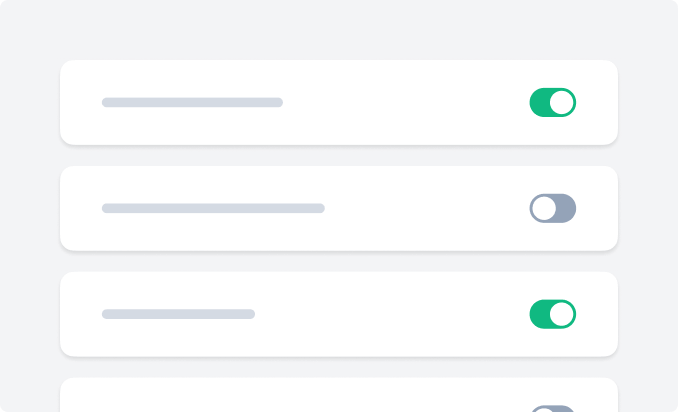
Smart routing
Send different emails through different mailers, automatically.
- Route by sender, recipient, or email type.
- Keep transactional through Postmark, marketing somewhere else.
- Protect your sender reputation by isolating high-risk email.