
WordPress Mandrill Plugin
Send your WordPress emails through Mandrill
Mandrill is Mailchimp’s service for sending one-to-one emails like password resets, order confirmations, and form notifications. WP Mail SMTP routes your WordPress emails through Mandrill instead of your hosting server, so they actually reach the inbox.
- Emails that reach the inbox, not spam
- Every WordPress email, automatically routed
- Set up in minutes, no code
- Full email logs and failure alerts



Already using Mailchimp? Send WordPress email through Mandrill too.
Stop losing WordPress emails to your hosting server. Password resets, order confirmations, and form notifications go through Mandrill — the same sending service your team already trusts.
Connect in minutes. Works with WooCommerce, contact forms, and every plugin that sends WordPress email.

Connect Mandrill to WordPress in minutes
Step 1: Install WP Mail SMTP
Install the free WP Mail SMTP plugin on your WordPress site. It’s the bridge that routes every WordPress email through Mandrill instead of your hosting server.
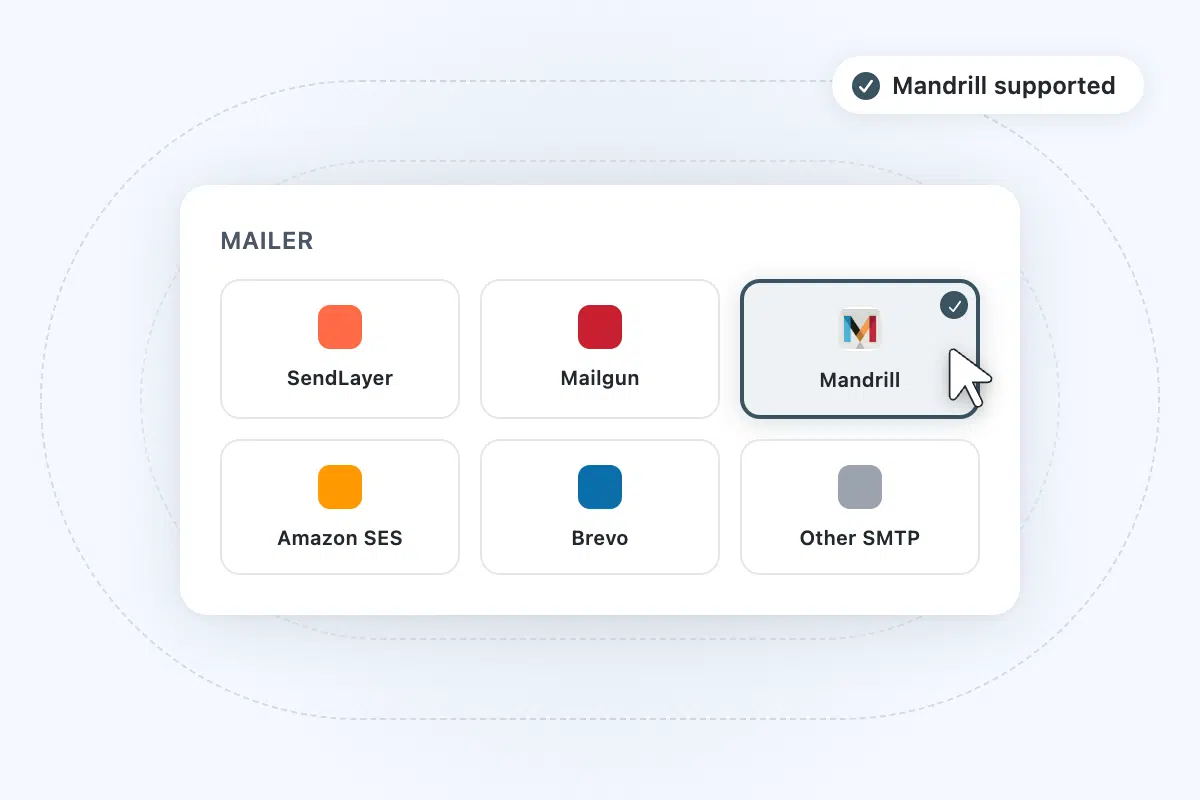
Step 2: Choose Mandrill as your mailer
In WP Mail SMTP’s settings, select Mandrill from the list of supported mailers. The plugin reveals the fields you need to connect your account.
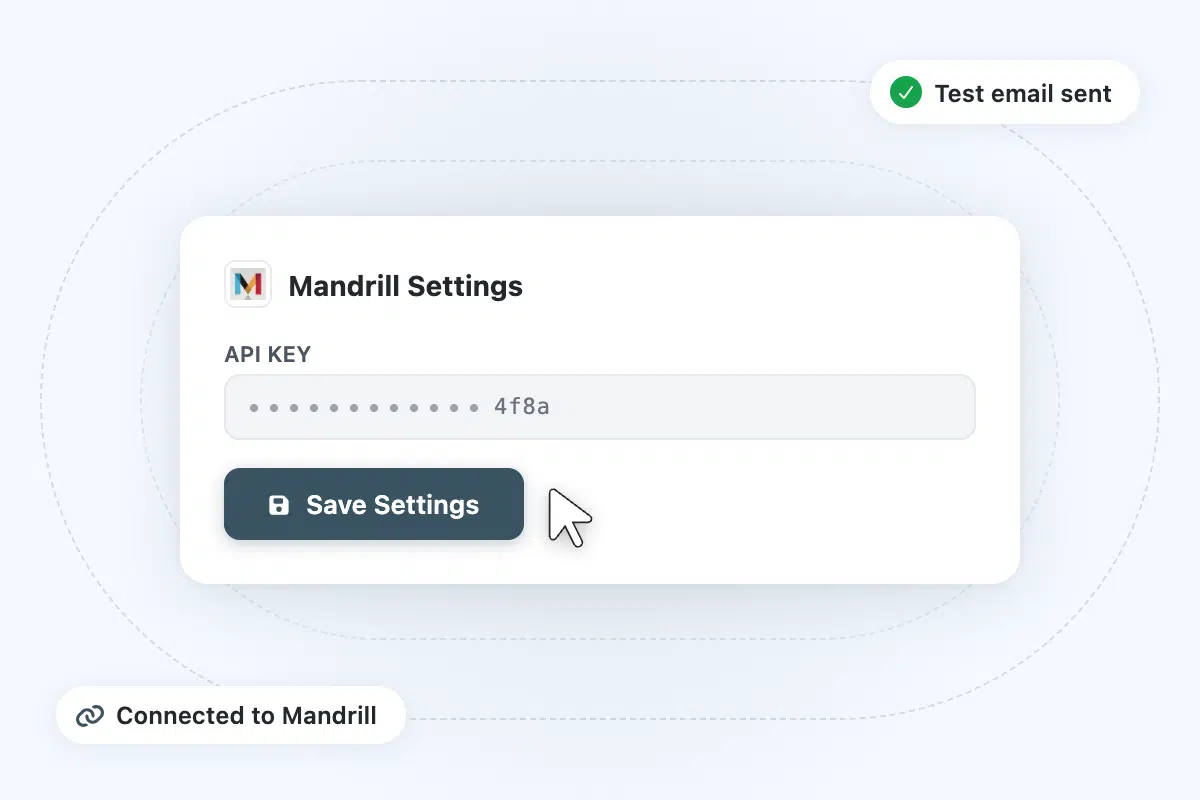
Step 3: Paste your Mandrill API key
In Mandrill, go to Settings → SMTP & API Info and create a new API key. Copy it, then paste it into WP Mail SMTP and save. Your emails start routing through Mandrill immediately.
Frequently asked questions
Have questions about using Mandrill with WP Mail SMTP? Get answers below. If you need further assistance, contact us.
Do I need WP Mail SMTP Pro to use Mandrill?
No. The Mandrill connection works on the free WP Mail SMTP plugin. Install the plugin, select Mandrill as your mailer, paste your API key, and your emails will start routing through Mandrill immediately. Pro adds email logs, failure alerts, open and click tracking, and backup connections.
I already use Mailchimp. Why do I need WP Mail SMTP?
Mailchimp’s campaign tools handle bulk email like newsletters. Mandrill handles one-to-one emails like password resets and order confirmations. But by default, WordPress sends those one-to-one emails through your hosting server, not through Mandrill. WP Mail SMTP is what tells WordPress to route every email through your Mandrill account instead.
How is this different from using my host’s SMTP?
Hosting servers aren’t built for email. They share IP addresses with other sites on the same server, they don’t authenticate properly, and they give you no visibility into what was sent or what failed. Mandrill provides a dedicated sending pipeline with proper authentication. WP Mail SMTP gives you the WordPress-side controls, logs, and alerts.
Can I use Mandrill with WooCommerce, contact forms, and other plugins?
Yes. WP Mail SMTP intercepts all WordPress email at the system level, from WooCommerce order confirmations to contact form notifications to membership site alerts. Any plugin that sends email through WordPress will automatically route through Mandrill once you’ve connected it.
What sending limits does Mandrill have?
Mandrill is a paid add-on to your Mailchimp account, with sending volume based on blocks of emails you purchase. A free trial covers 500 emails to verified addresses so you can confirm everything works before committing. For current pricing and block sizes, see Mailchimp’s transactional email pricing.
How is Mandrill different from regular Mailchimp campaigns?
Mailchimp campaigns are built for bulk marketing email like newsletters, product launches, and audience broadcasts. Mandrill is built for one-to-one emails triggered by an action: a customer placing an order, a user requesting a password reset, someone submitting a contact form. They share the same Mailchimp account but use separate sending pipelines and separate pricing.
More from WP Mail SMTP

Improved Email Deliverability
Route your WordPress emails through trusted infrastructure and stop losing them to spam filters or silent delivery failures.
- Prevent emails landing in spam with proper authentication.
- Maintain a strong sender reputation for consistent delivery.
- Keep emails going out with backup connections and smart routing.

Email Failure Alerts
Get notified the moment a delivery fails, before your customers have to tell you.
- Instant notifications for any email failure.
- Alerts via email, SMS, Slack, Teams, or webhook.
- Resolve delivery problems before they affect customers.

Email Reports
See a full history of sent emails with open rates, click rates, and delivery status, all inside your WordPress dashboard.
- Monitor open rates, click rates, and key metrics.
- Identify trends and spot delivery problems early.
- Access and review performance data at a glance.