


AI Summary
Note: This guide applies to the Microsoft 365 / Outlook mailer in WP Mail SMTP.
What This Error Means
The OAuth access token WP Mail SMTP uses to authenticate with Microsoft has expired or been revoked. Microsoft tokens expire and require periodic re-authorization.
Common Causes
- OAuth refresh token expired after 90 days of inactivity (the token self-renews on each use within that window)
- You changed the Microsoft account password
- An admin revoked app permissions in Azure AD
- Someone modified the Azure app registration after Microsoft issued the token
How to Fix
Here is the complete step-by-step guide to resolving the error.
Step 1: Remove the Existing Connection
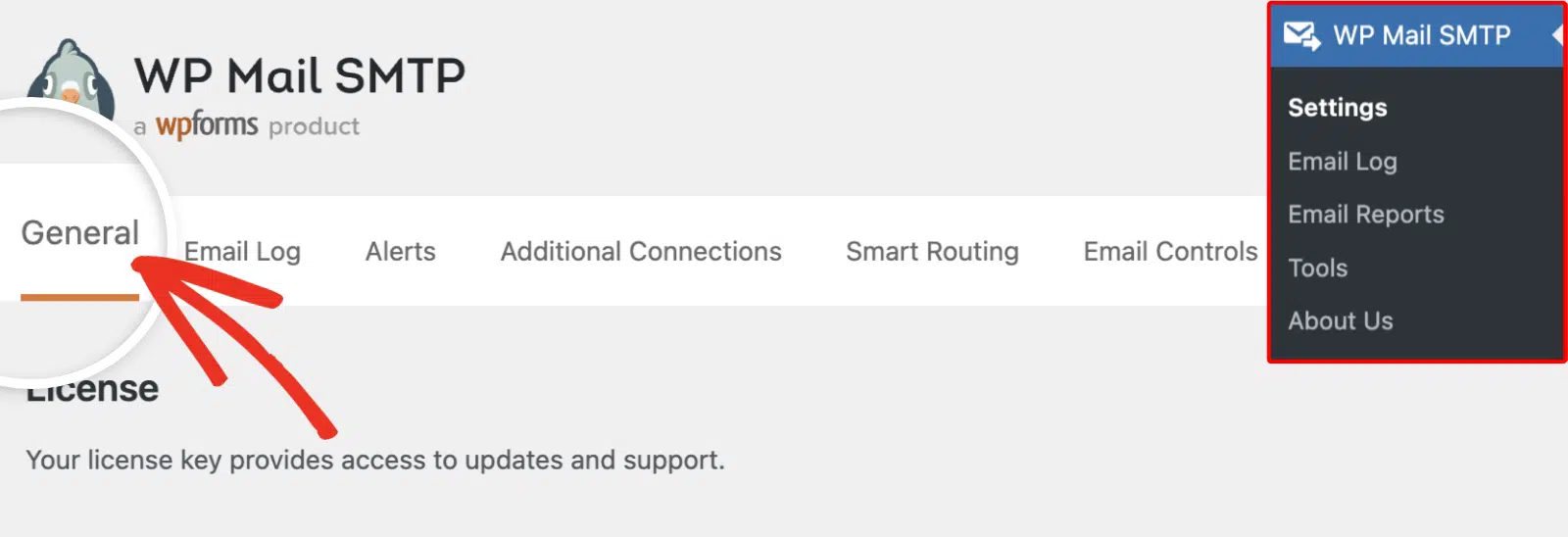
Start by logging in to your WordPress admin area and going to WP Mail SMTP » Settings.
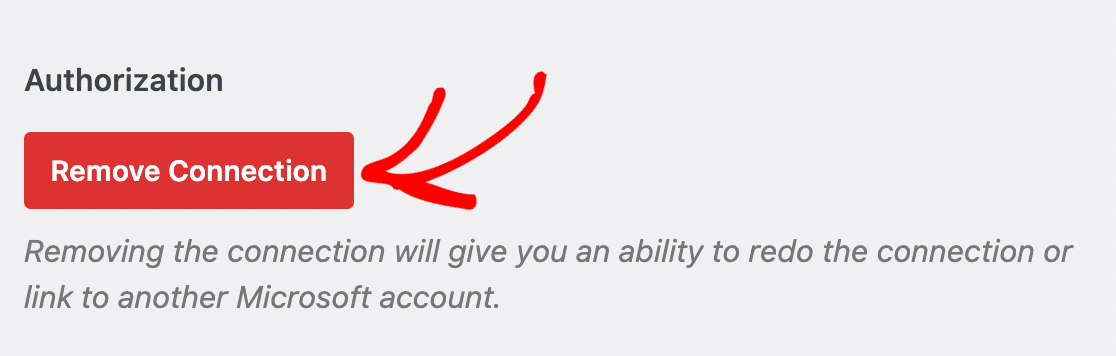
Then, scroll to the 365 / Outlook section and click Remove Connection.
Step 2: Re-authorize the Plugin
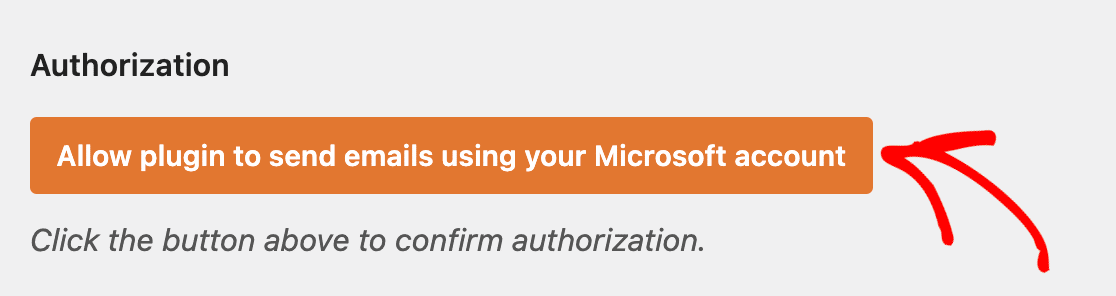
Start by clicking Save Settings to confirm the disconnection. Then, click Allow plugin to send emails using your Microsoft account.
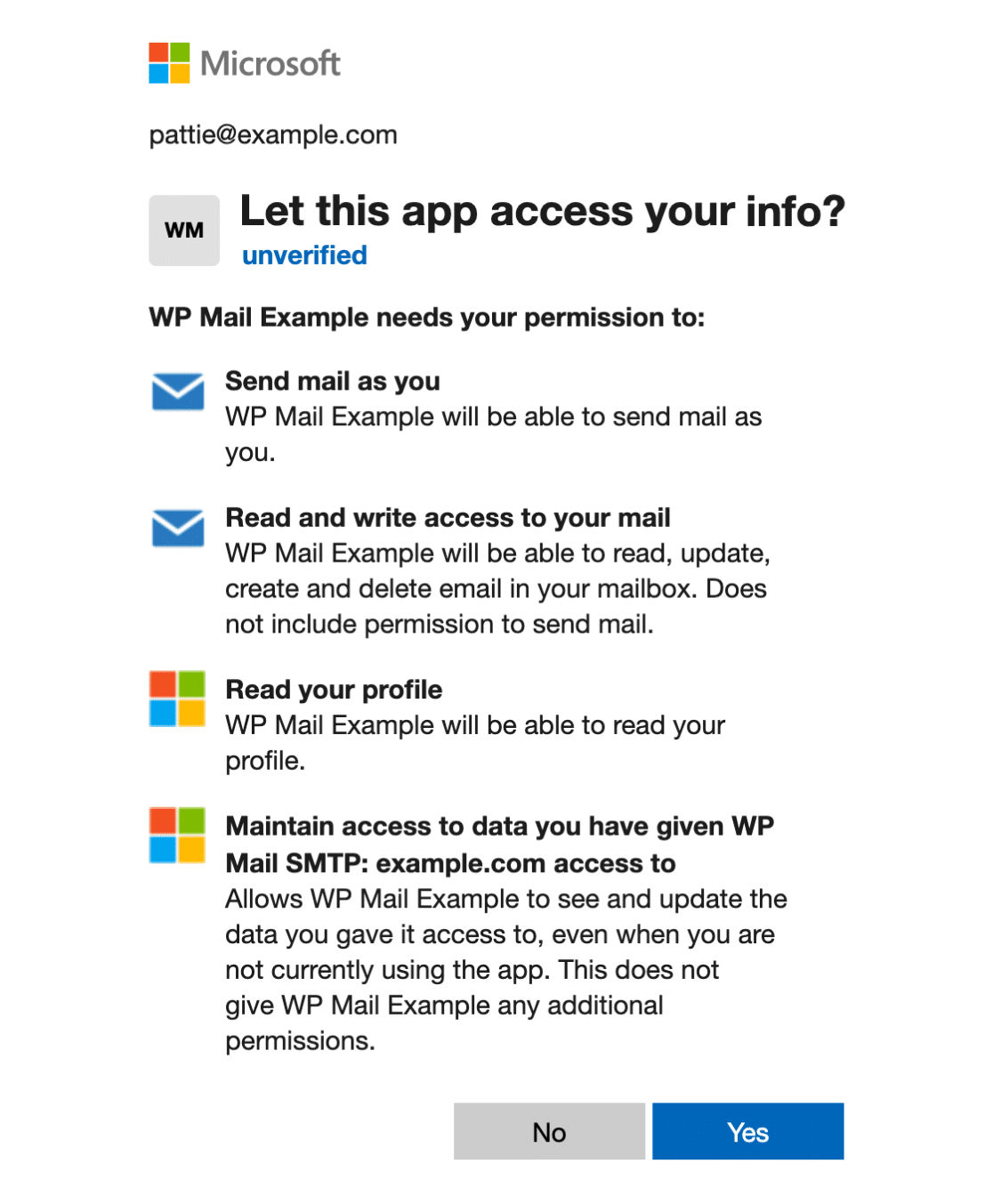
Next, sign in with your Microsoft account in the popup that appears, and click Yes to grant the requested permissions.
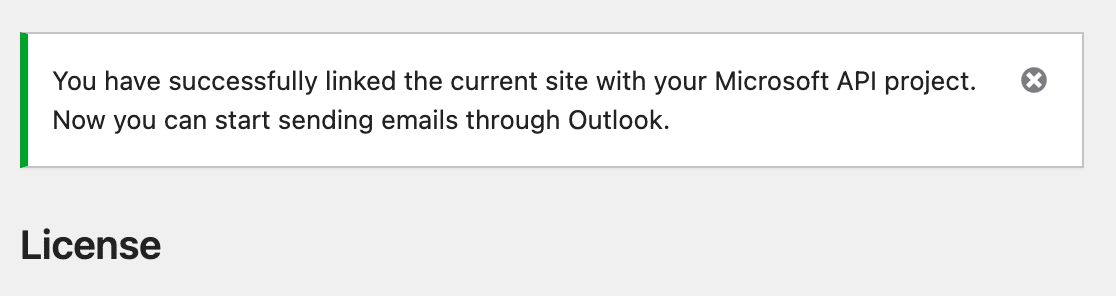
Finally, wait for the popup to close. Look for the success notification confirming the connection.
Step 3: Send a Test Email
Confirm the fix by sending a test email.
To test the fix, go to WP Mail SMTP » Tools and click the Email Test tab. Enter a recipient email in the Send To field, then click Send Email.
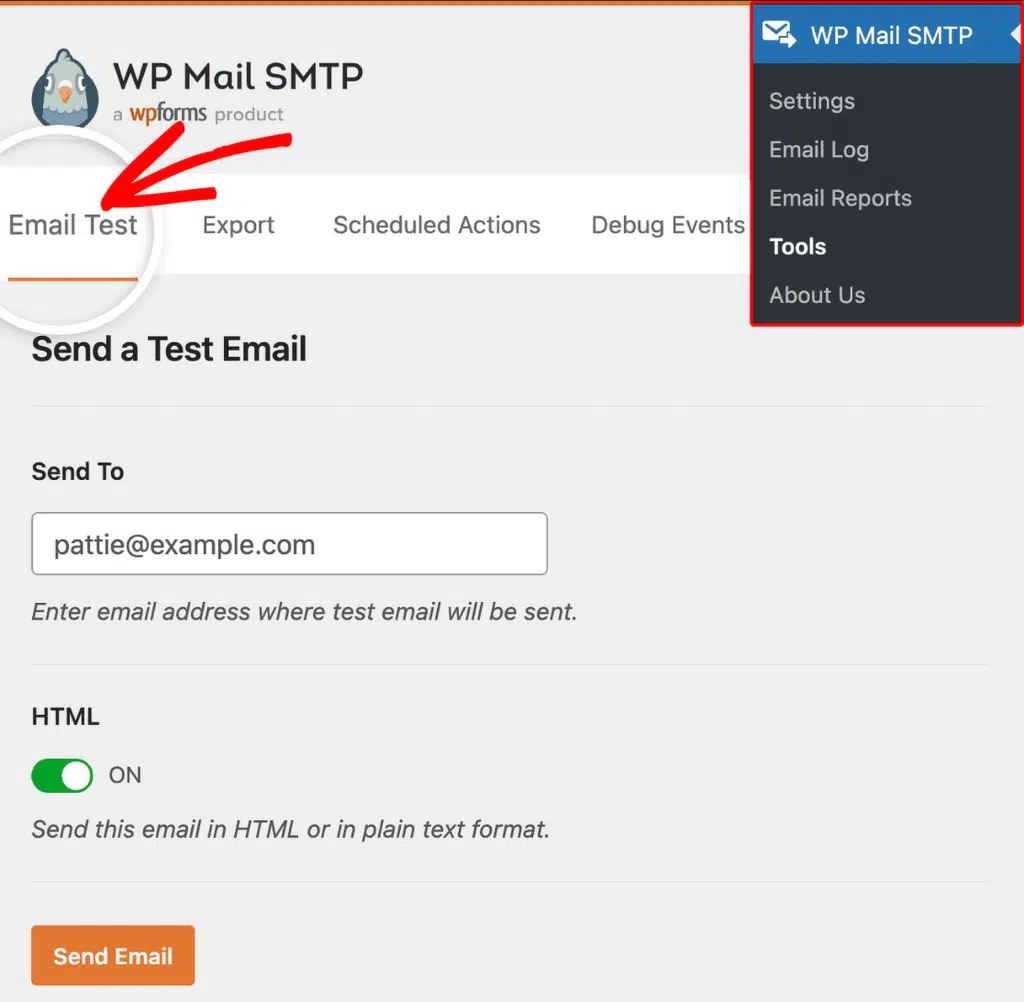
Once done, check for a success message, then check your inbox to confirm the email arrived.
Notes
- If this error comes back frequently, check whether you recently changed your Microsoft account password. Password changes invalidate all existing OAuth tokens.
- Security events like a suspicious login can prompt Microsoft to revoke tokens immediately.
That’s It! You now know how to fix the ‘InvalidAuthenticationToken: Token Expired’ error in Microsoft 365 / Outlook and get your emails sending again through WP Mail SMTP.