


AI Summary
Growing an email list is one of the smartest ways to build long-term relationships with your audience. When someone subscribes, it shows they’re genuinely interested in what you have to offer.
If you’re using WordPress, you’ll quickly discover that email marketing has many moving parts. You need the right tools to gather leads, set up automations, and make sure your emails land in inboxes.
I’ve worked with plenty of email marketing plugins, and not all of them are built the same. Some focus on collecting emails through popups and forms, while others handle sending, automation, and tracking.
So in this guide, I’ll walk you through the best WordPress plugins for email marketing, covering everything from list building to deliverability.
Best WordPress Email Marketing Plugins
- How I Tested These Plugins
- Quick Comparison: Best WordPress Email Marketing Plugins
- 1. WPForms – Best for Building Your Email List
- 2. OptinMonster – Best for Turning Visitors into Subscribers
- 3. WP Mail SMTP – Best for Email Deliverability (Transactional)
- 4. Brevo (formerly Sendinblue) – Best for Overall Email Marketing
- 5. Constant Contact – Best for Event Based Marketing
- 6. Omnisend – Best for eCommerce Marketing Automation
- 7. FunnelKit Automations – Best for WooCommerce Stores
- 8. Uncanny Automator – Best for Automating Email Marketing
- 9. MailPoet – Best Dedicated WordPress Solution
- 10. The Newsletter Plugin – Best Free Option in WordPress
- FAQs About WordPress Email Marketing Plugins
How I Tested These Plugins
I want to be transparent about how I approached this review. Over four weeks, I tested and evaluated more than 30 WordPress email marketing plugins, installing each one, setting it up from scratch, configuring it, and sending test campaigns in a consistent WordPress environment.
Unlike many “best of” lists that focus almost entirely on newsletter tools for sending marketing emails from WordPress, my list takes a broader view. I’ve included plugins that actually help you market via email, which includes list building, opt-in forms, automation, segmentation, and improving deliverability, because all of these contribute to successful campaigns.
Every plugin was judged on the same criteria: ease of use, features, deliverability, WordPress/WooCommerce integration, pricing, and support.
Quick Comparison: Best WordPress Email Marketing Plugins
In a hurry? Here’s a side-by-side comparison of the plugins I cover in this guide. Click any name to jump to its review.
| 🏆 | Plugin 📧 | Best For 👍 | Pricing 💰 |
|---|---|---|---|
| 🥇 | WPForms | Creating user-friendly signup forms quickly | From $39.50/year |
| 🥈 | OptinMonster | Boosting subscriber growth through popups | From $9/month |
| 🥉 | WP Mail SMTP | Ensuring emails from WordPress reach inboxes | Free, Pro from $49/year |
| 4️⃣ | Brevo (Sendinblue) | Email & SMS marketing automation | Free, from $9/month |
| 5️⃣ | Constant Contact | Easy email list management & marketing | From $12/month |
| 6️⃣ | Omnisend | Omnichannel eCommerce marketing | Free, from $16/month |
| 7️⃣ | FunnelKit Automations | WooCommerce store automation & workflows | From $99.50/year |
| 8️⃣ | Uncanny Automator | Connecting multiple plugins for automation | Free, from $199/year |
| 9️⃣ | MailPoet | Dedicated WordPress solution for email marketing | Free, Pro from $11/month |
| 🔟 | The Newsletter Plugin | Sending newsletters directly from WordPress | Free, Pro from $65/year |
Below, I’ve summarized my research to help you make the best choice, with the reasons I recommend each one.
1. WPForms – Best for Building Your Email List
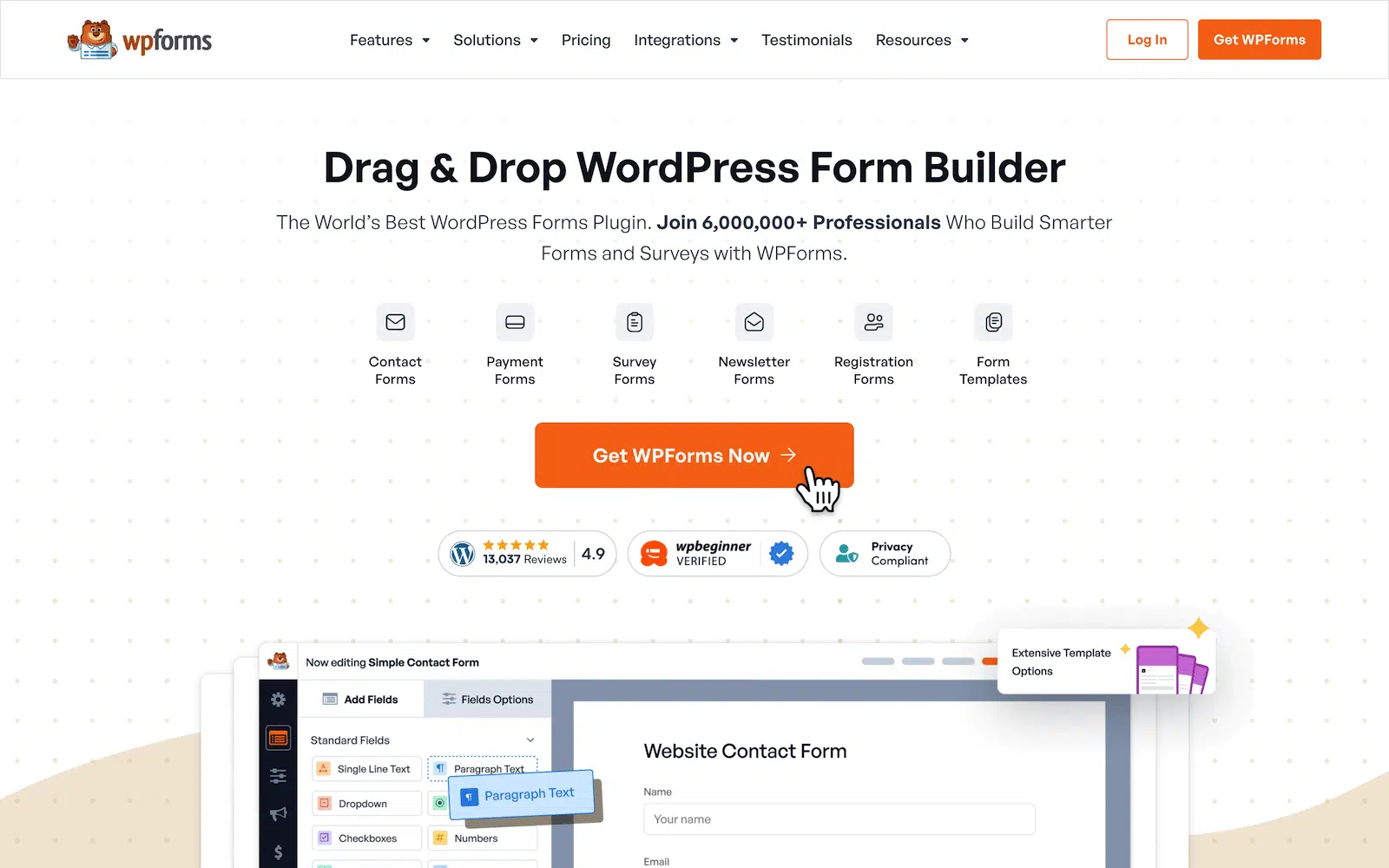
WPForms is a WordPress plugin designed to help you create forms without coding. It’s built for businesses, bloggers, and anyone who needs an easy way to collect information, from contact forms to payment forms and surveys, using a simple drag-and-drop editor.
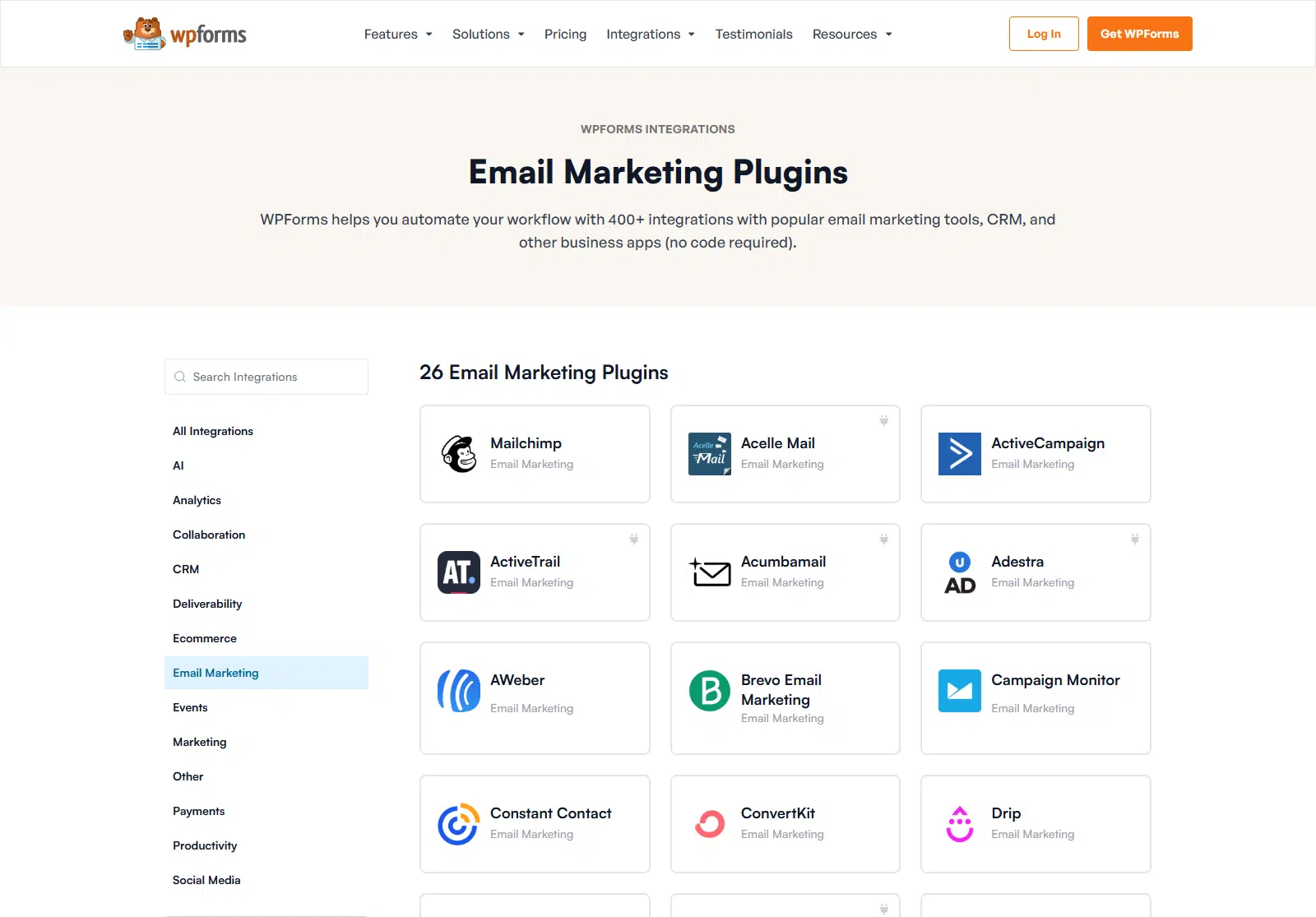
If you’re serious about email marketing, WPForms helps you capture leads and connect with services like Brevo, Mailchimp, and ConvertKit. Instead of manual exports and imports, new subscribers go straight into your email list.
Why I Love WPForms
WPForms makes collecting leads effortless. Every form submission can automatically send new contacts to my email list, which cuts down the time I spend managing subscribers. It works well with email services, so I don’t have to manually transfer data.
The conditional logic feature is another big benefit. It shows or hides fields based on user responses, keeping forms short and relevant, which improves conversions since people are more likely to finish a form that doesn’t ask unnecessary questions.
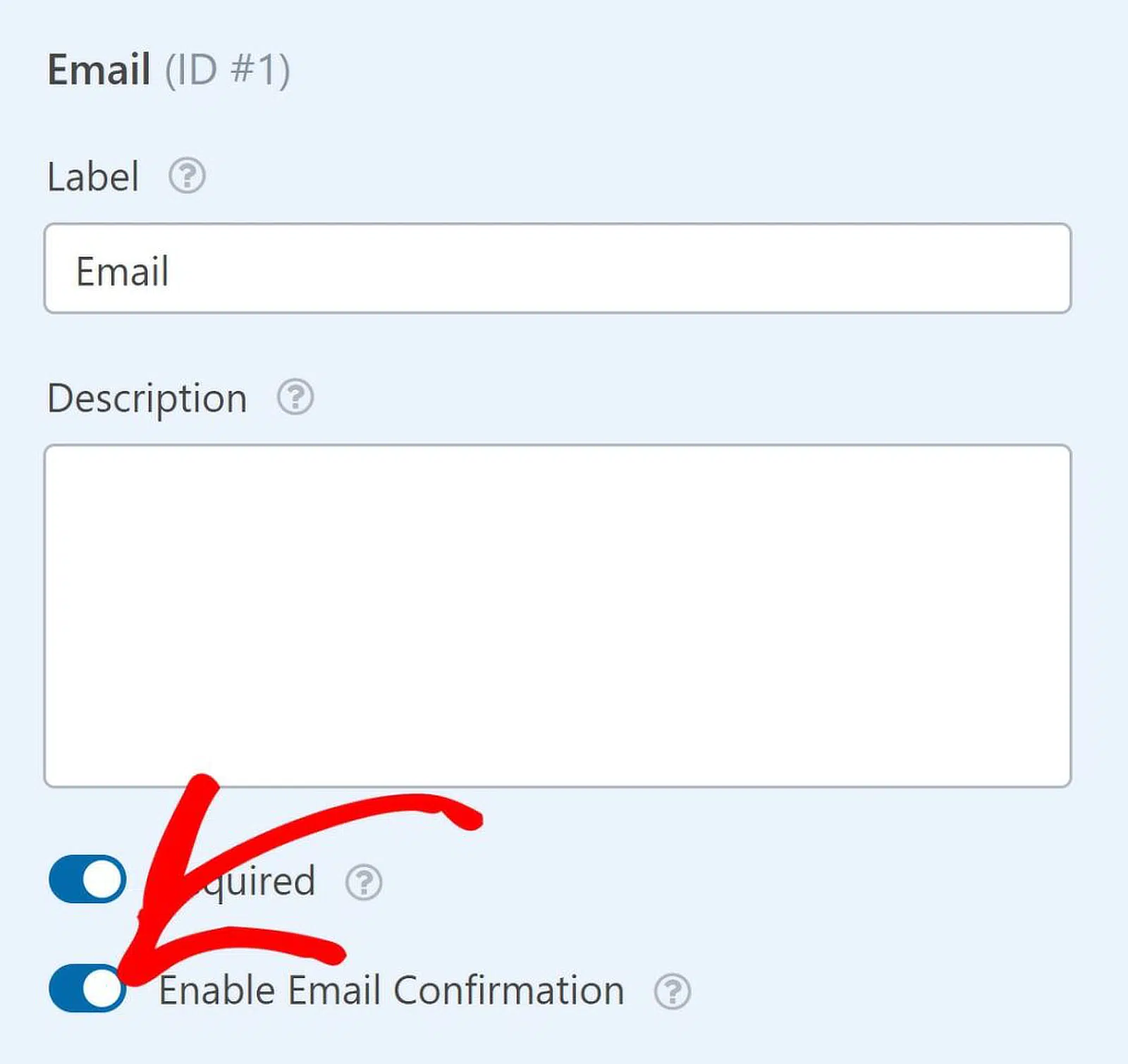
WPForms also supports double opt-in confirmations, which is a must for keeping lists engaged. Rather than adding people the moment they submit, I can require them to confirm their email address first, which filters out spammy signups and keeps deliverability high.
I also like how WPForms reduces spam. With built-in spam protection, my forms don’t get flooded with junk, so my list stays clean. You can add CAPTCHA or use the built-in anti-spam tools to block bots.
How Much Does WPForms Cost?
WPForms has a free version with basic features. Paid plans start at $39.50/year for the Basic plan (essential form-building tools). Email marketing integrations, conditional logic, and payment processing unlock on higher tiers, with the Pro plan at $199.50/year.
2. OptinMonster – Best for Turning Visitors into Subscribers
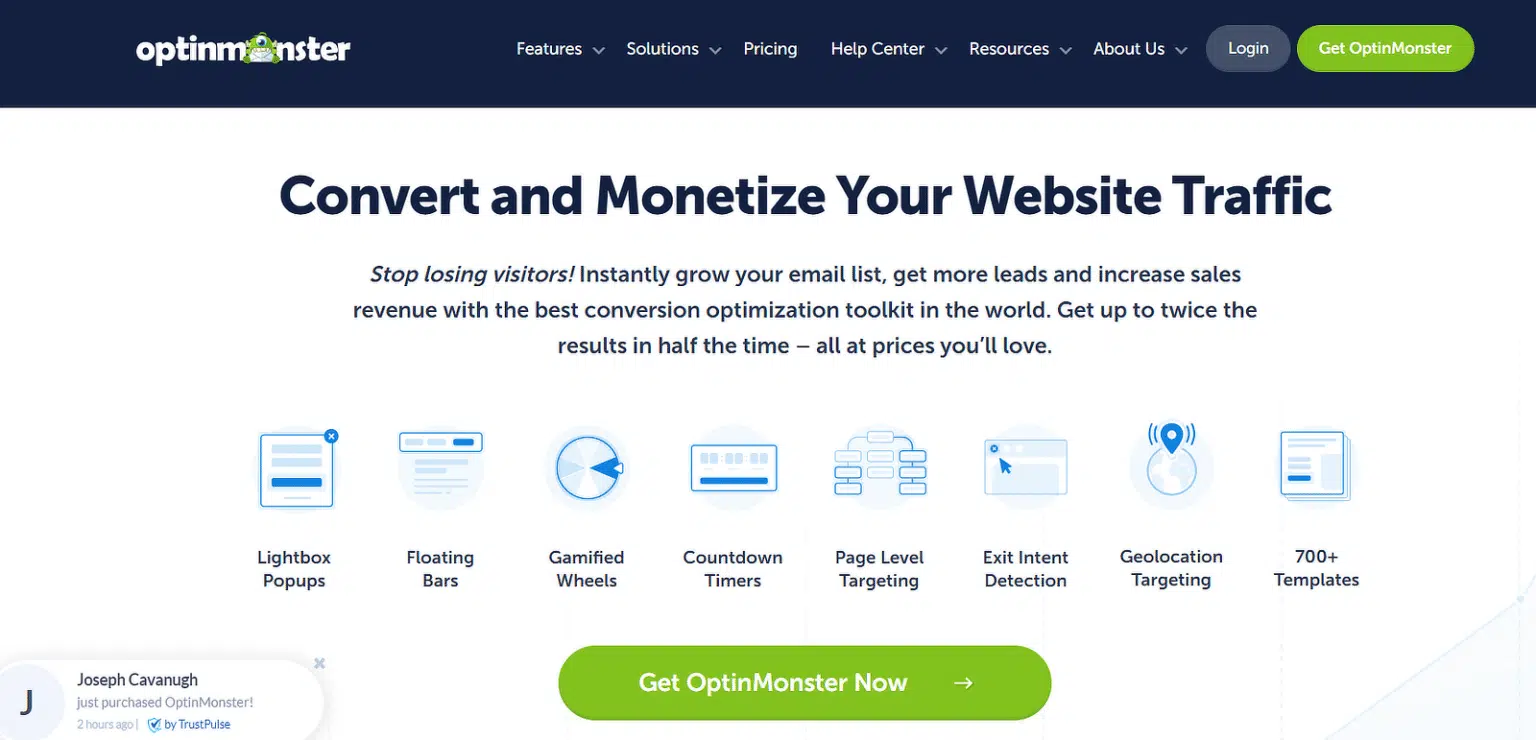
OptinMonster is a powerful tool for growing your email list and turning visitors into subscribers. It helps businesses, bloggers, and eCommerce stores create targeted opt-in forms that show the right offer at the right time.
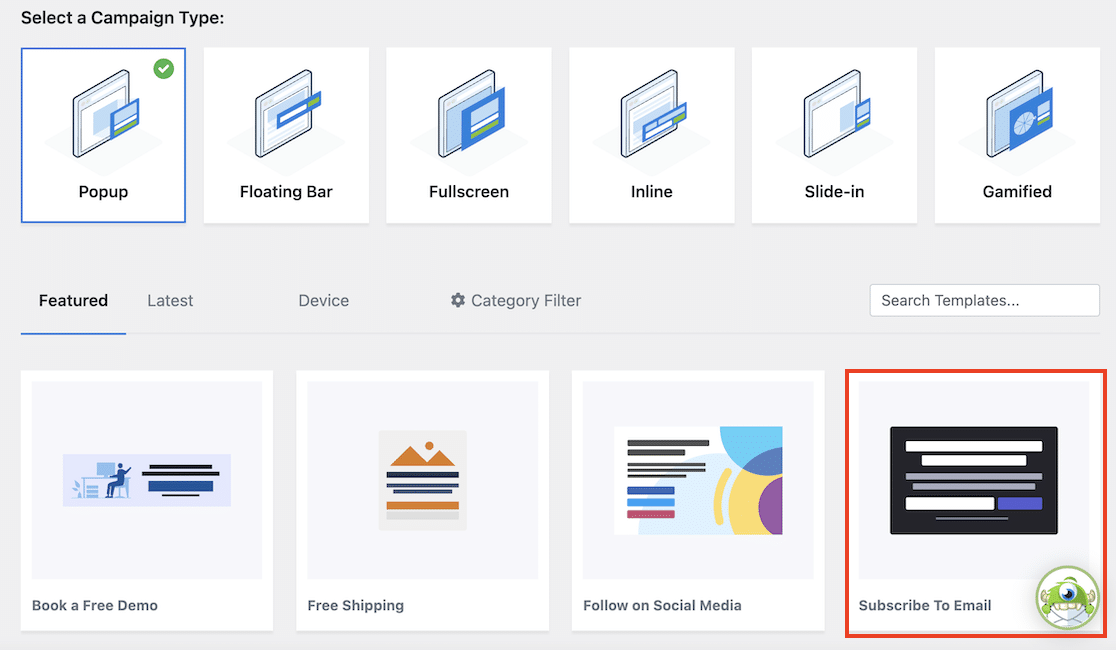
It’s ideal for anyone looking to improve their email marketing. It offers popups, slide-ins, floating bars, and other form types designed to capture attention without annoying users, and its targeting features let you personalize campaigns based on visitor behavior.
Why I Love OptinMonster
One of the best things about OptinMonster is its Exit-Intent® Technology. I’ve used it to recover potential leads by showing a targeted offer just as a visitor is about to leave, which grew my list without increasing traffic.
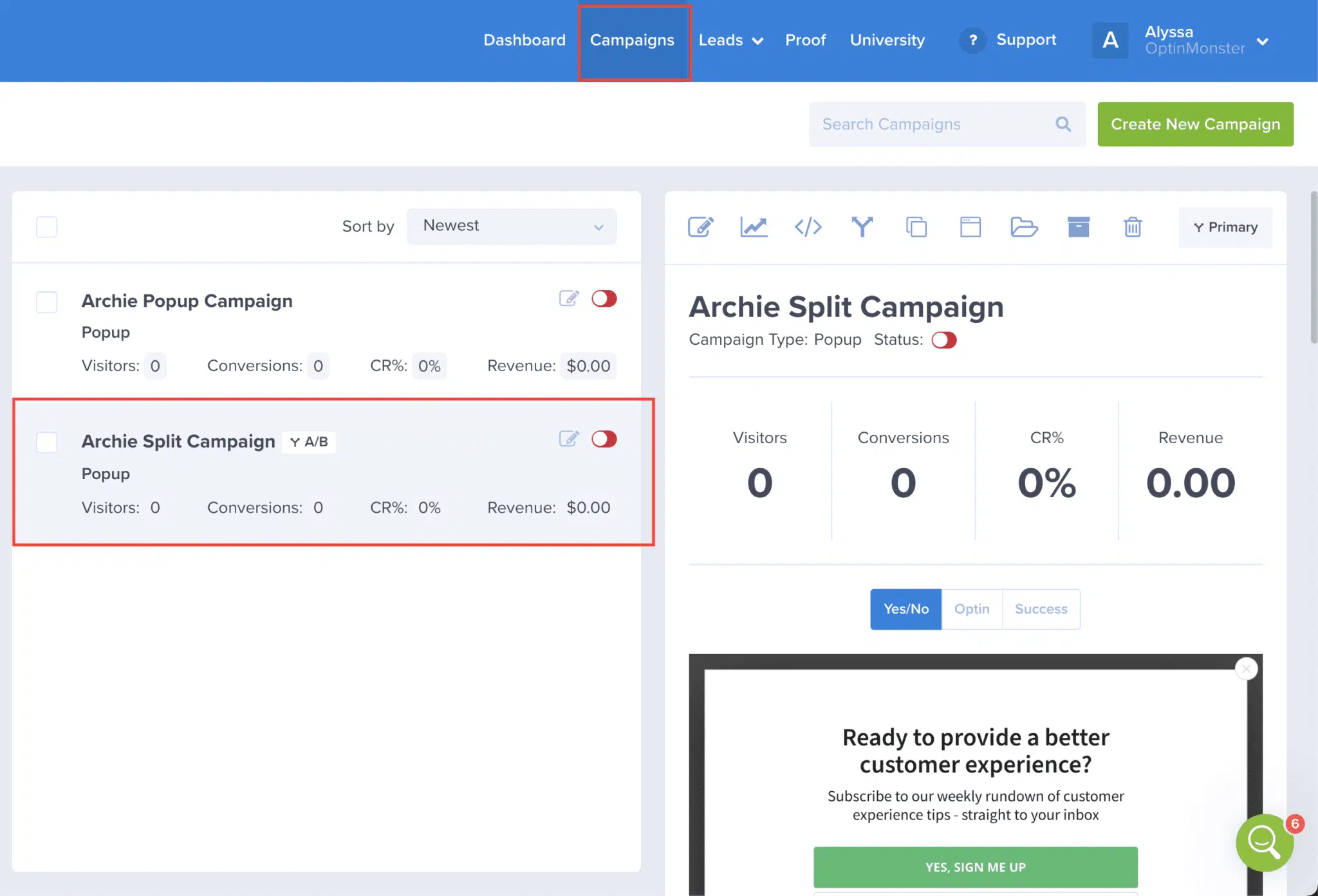
The A/B testing is a real advantage. Instead of guessing, I can build two versions of a form and see which converts better, then improve sign-up rates over time.
OptinMonster also keeps my list clean by blocking fake or temporary email addresses, so I don’t waste time on subscribers who aren’t genuinely interested. That matters for marketing email, since it improves open rates and deliverability.
I also appreciate the integrations. The plugin connects directly with services like Drip, Mailchimp, Constant Contact, and ActiveCampaign, so new subscribers are added automatically.
How Much Does OptinMonster Cost?
OptinMonster’s pricing is based on an annual subscription. The Basic plan ($9/month, billed annually) suits smaller sites, while the Pro plan ($29/month) unlocks advanced targeting, integrations, and eCommerce-focused features. Choose the plan that fits your budget and long-term needs.
3. WP Mail SMTP – Best for Email Deliverability (Transactional)
WP Mail SMTP isn’t an email marketing plugin, but it plays a huge role in making sure emails from WordPress actually reach people. If you’re sending subscriber confirmations, contact form notifications, or order receipts, you need a way to stop them going to spam or disappearing.
If you’re using WPForms for lead generation or OptinMonster for popups, this plugin is crucial. WP Mail SMTP connects your site to a trusted email provider so every message reaches the inbox. Without it, even the best email marketing strategy can fall apart.
Why I Love WP Mail SMTP
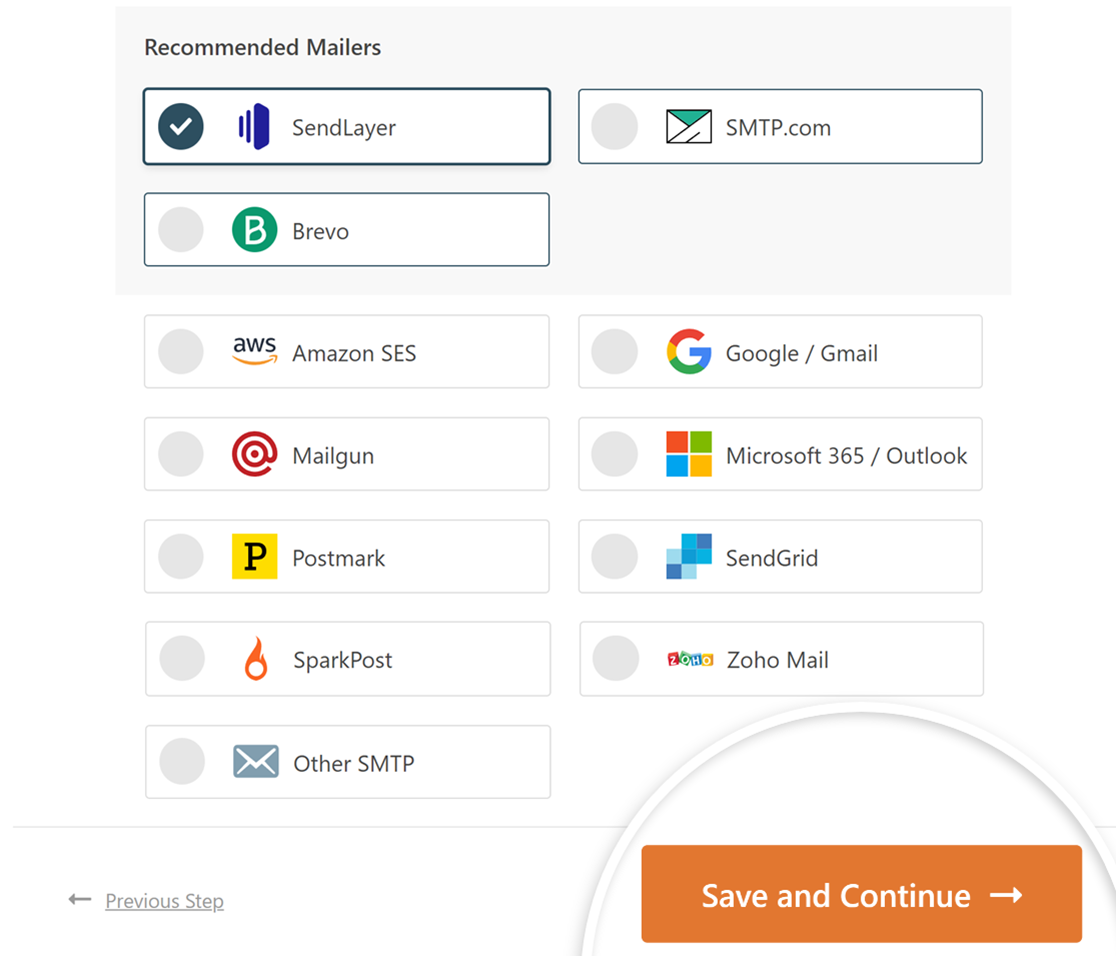
Setting it up is quick. WP Mail SMTP connects my site to services like SendLayer, SMTP.com, and Gmail without messing with complicated server settings.
Once it’s running, I don’t have to wonder whether emails are being sent. If someone signs up through a WPForms form or an OptinMonster popup, I know the confirmation email reaches their inbox.
I can also check email logs inside WordPress to see the status of every message, and resend any that fail with one click. The Force From Name and Force From Email features also help create a consistent experience and fix plugin conflicts.
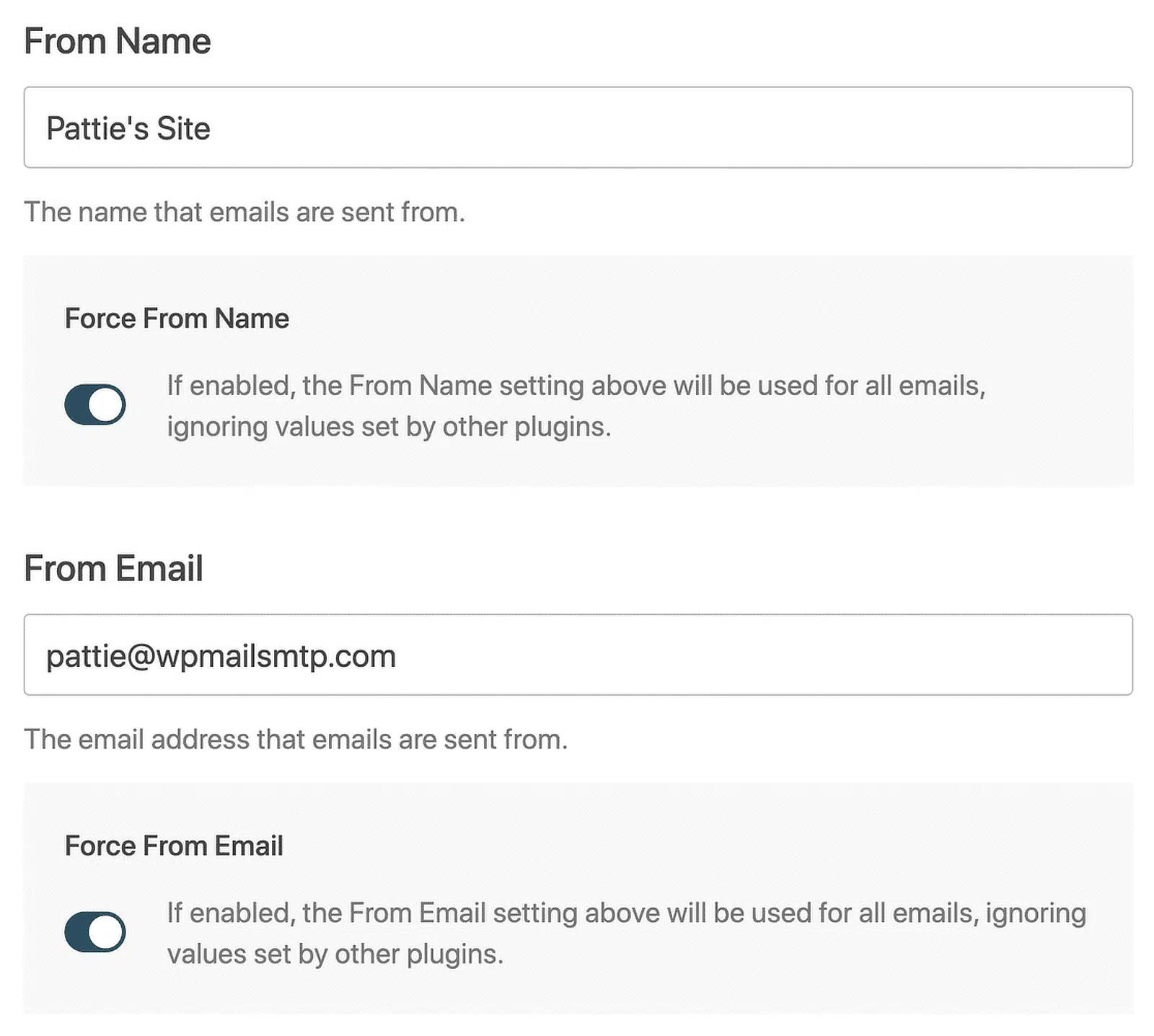
For larger sites, I like that WP Mail SMTP offers a backup connection, and if I need to send different email types through separate providers, I can set that up with smart routing.
How Much Does WP Mail SMTP Cost?
WP Mail SMTP has a free version with basic email routing. For features like email logs, reporting, and priority support, the Pro plan starts at $49/year, with higher tiers adding backup connections and smart routing.
4. Brevo (formerly Sendinblue) – Best for Overall Email Marketing
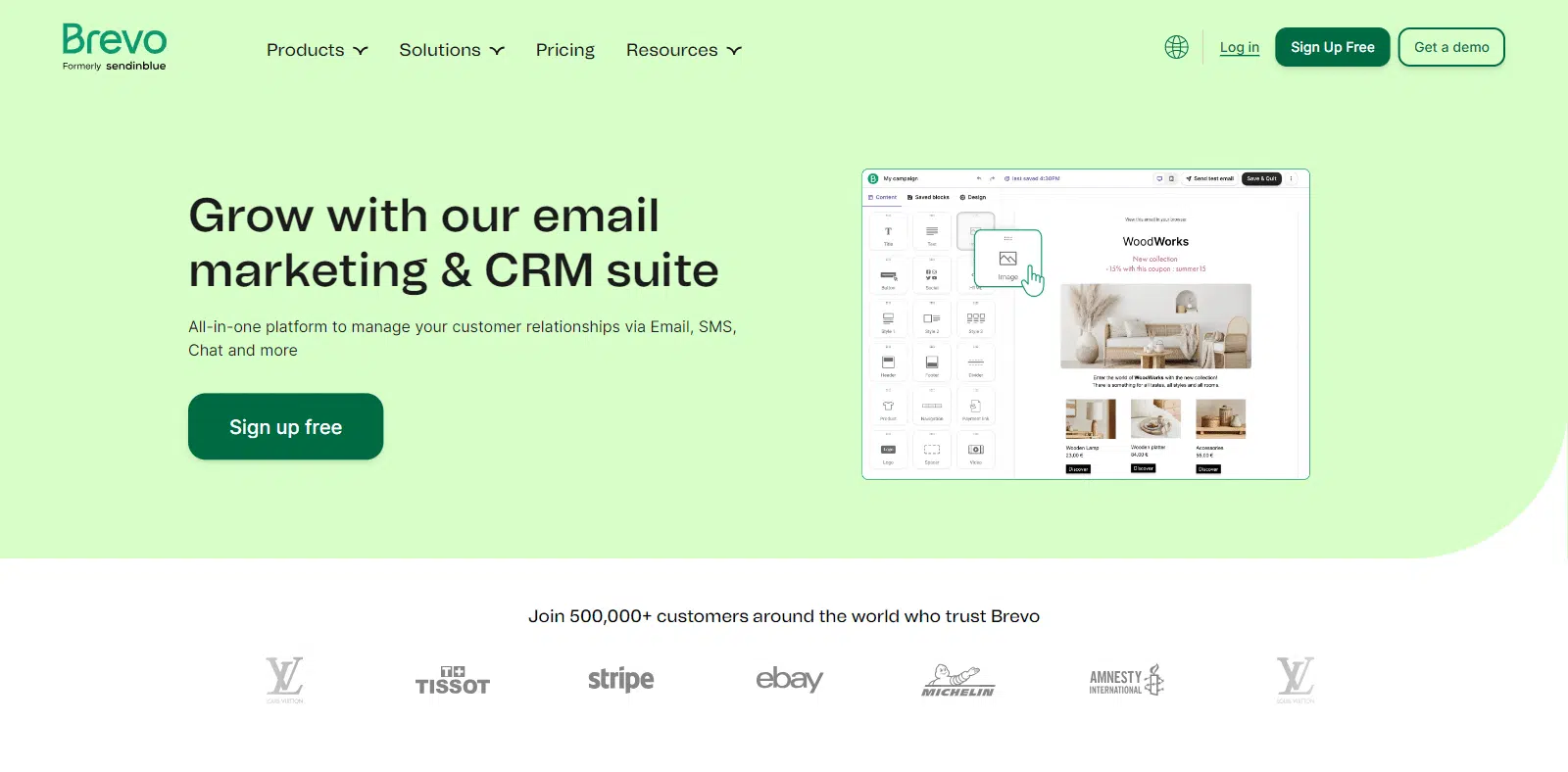
Brevo is an all-in-one email marketing solution for businesses that want more than newsletters. It helps you grow and manage your contact list, send campaigns, automate messages, and track engagement, all connected to WordPress.
It’s a good fit for small business owners, bloggers, and eCommerce stores, since it connects directly with WordPress and makes managing campaigns and contacts more convenient.
Why I Love Brevo
Setting up Brevo is simple. It connects directly to WordPress, so I can send campaigns and manage contacts without switching between platforms, and there’s a large library of templates to start from.
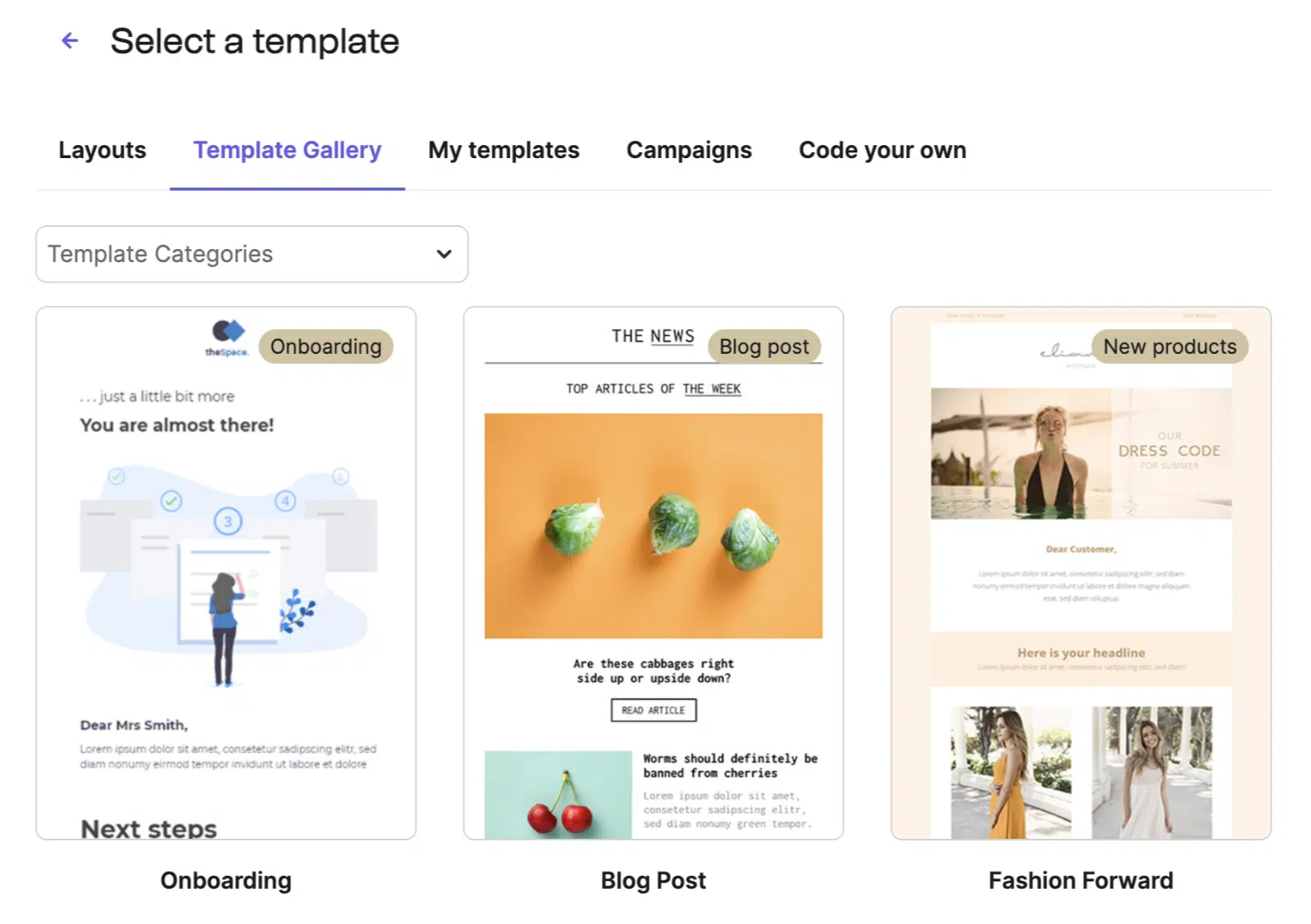
I also like how it handles automation. To send a welcome email to new subscribers or follow up based on customer actions, I can set up workflows without technical steps, and they run in the background.
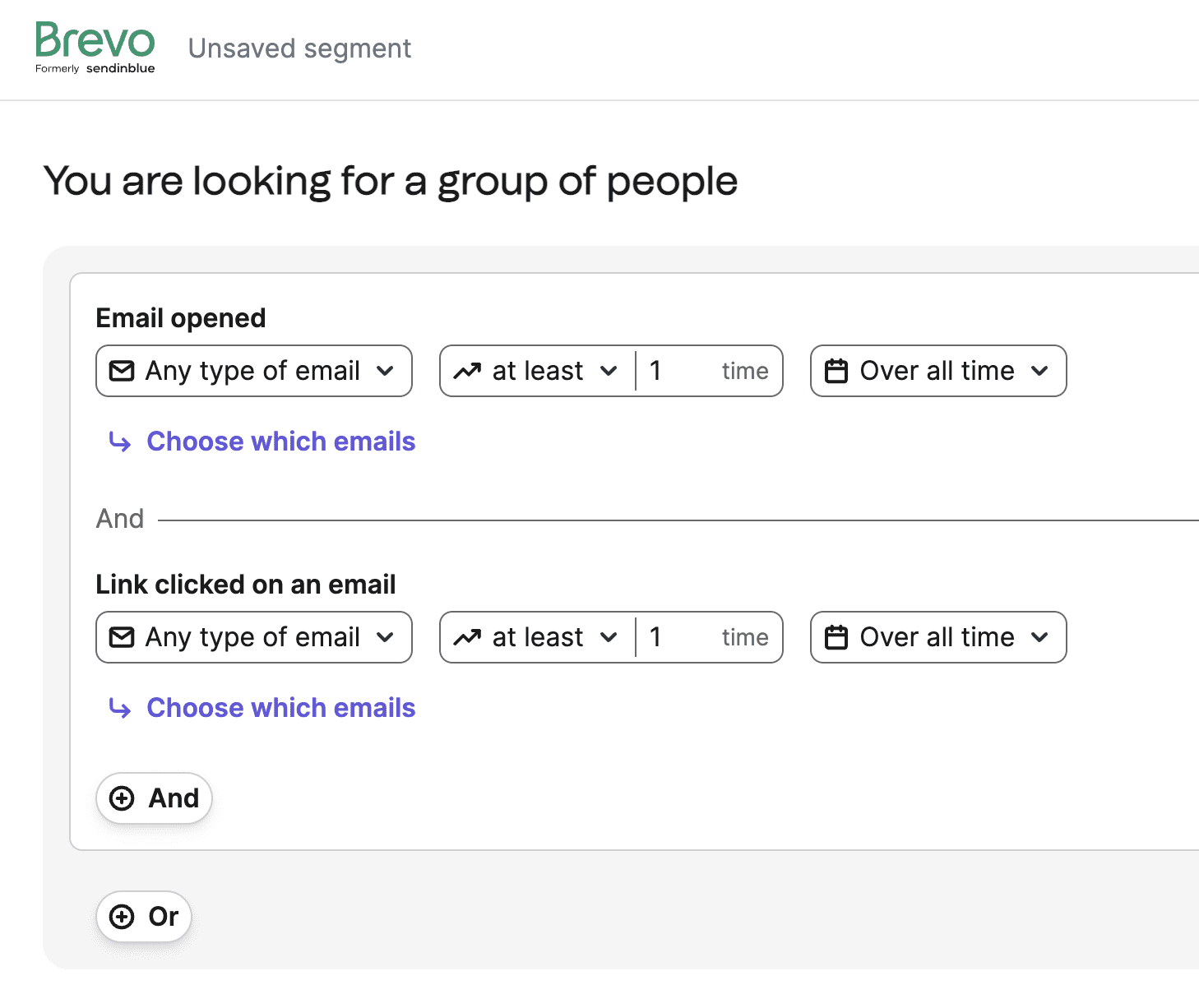
The segmentation is another plus. Instead of sending the same email to everyone, I can group contacts by behavior, preferences, or past purchases, so each email feels relevant.
The built-in analytics round it out. I can track open rates, click rates, and conversions without a separate tool, which helps me fine-tune my approach.
How Much Does Brevo Cost?
Brevo offers a free plan with a limited number of daily email sends. Paid plans start at $9 per month and scale based on how many emails you send. Since pricing isn’t tied to contact-list size, it’s a good option for growing your audience without extra costs.
5. Constant Contact – Best for Event Based Marketing

Constant Contact is a popular plugin that helps you manage email marketing without complicated setups. It’s mainly built for small businesses, bloggers, and nonprofits that want to grow their lists and send regular newsletters or announcements.
It’s helpful if you’re new to email marketing or don’t have a big team, since it integrates smoothly with WordPress and makes adding signup forms and sending emails straightforward.
Why I Love Constant Contact
I like how simple Constant Contact makes creating newsletters. The drag-and-drop editor is easy enough for anyone, even if you’ve never built an email before.
Another plus is the large library of email templates. Whatever you’re sharing, you’ll likely find a template that looks professional and matches your style.
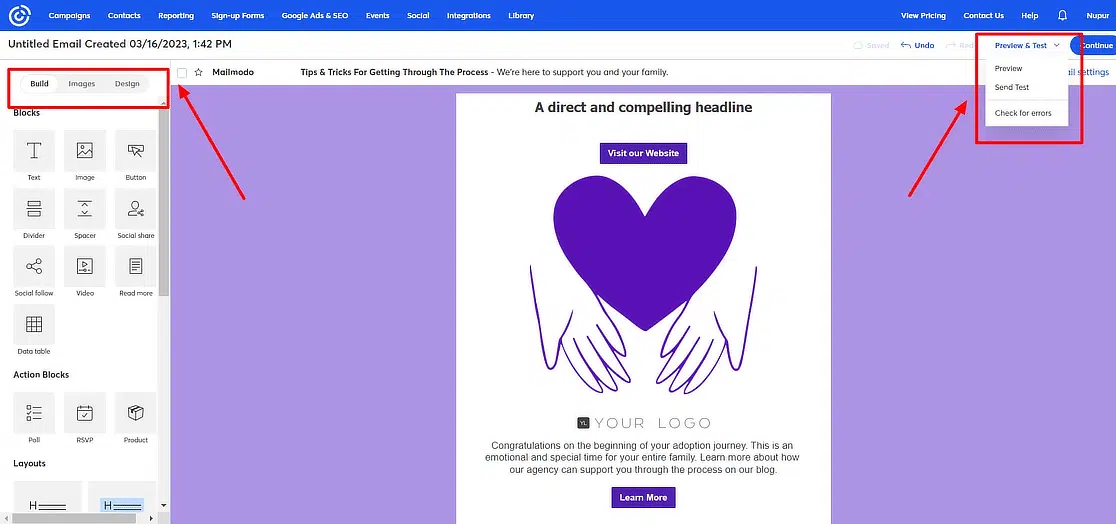
I also use the built-in reporting a lot. It gives me clear stats on opens, clicks, and how my audience is responding overall. And it integrates smoothly with WordPress, so I don’t have to manually add subscribers or switch between dashboards.
How Much Does Constant Contact Cost?
Constant Contact starts at $12 per month (the Lite plan) for basic features, with Standard and Premium tiers for larger lists and more advanced options. Pricing scales with your contact count, and there’s a free trial to test it first.
6. Omnisend – Best for eCommerce Marketing Automation

Omnisend is an email marketing plugin built mainly for eCommerce businesses. It helps them send emails, automate sales messages, and track results.
If you have an online store on WordPress, Omnisend can help you grow your list faster. It’s ideal for store owners who want to send promotional emails and keep shoppers coming back.
Why I Love Omnisend
I love how easy Omnisend makes automated campaigns. It helps me send welcome emails or remind customers about items they left in their cart, which saves a lot of time.
Omnisend also has strong segmentation. I can group customers by what they bought or how often they shop, which helps me send more relevant emails.
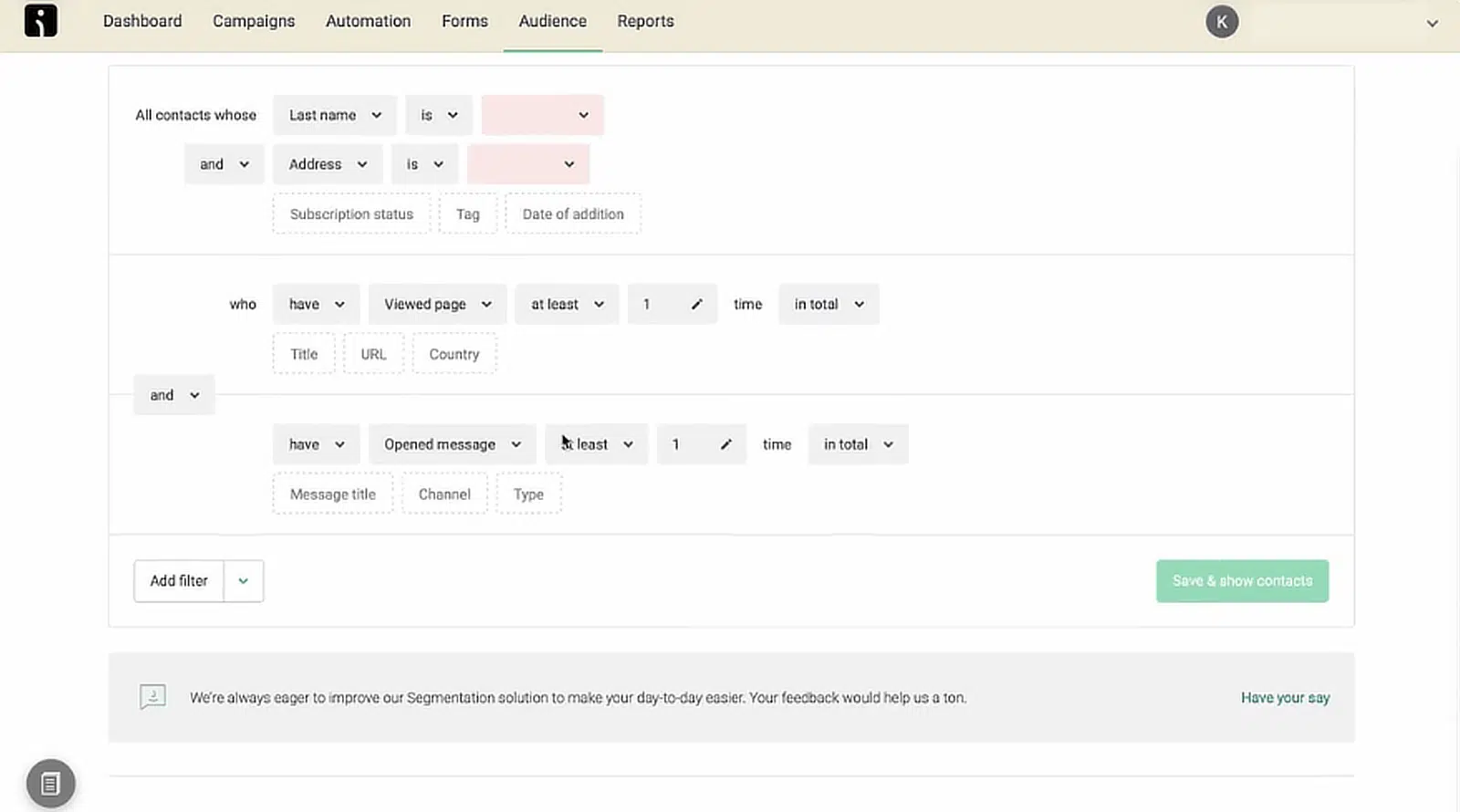
It also connects with WooCommerce so sales data syncs right into Omnisend, and I always know which emails led to purchases. The reporting is simple but helpful for improving future messages.
How Much Does Omnisend Cost?
Omnisend has a free plan that lets you send up to 500 emails a month to 250 contacts. Paid plans begin at $16 per month, scaling based on your contact list size and the features you need.
7. FunnelKit Automations – Best for WooCommerce Stores
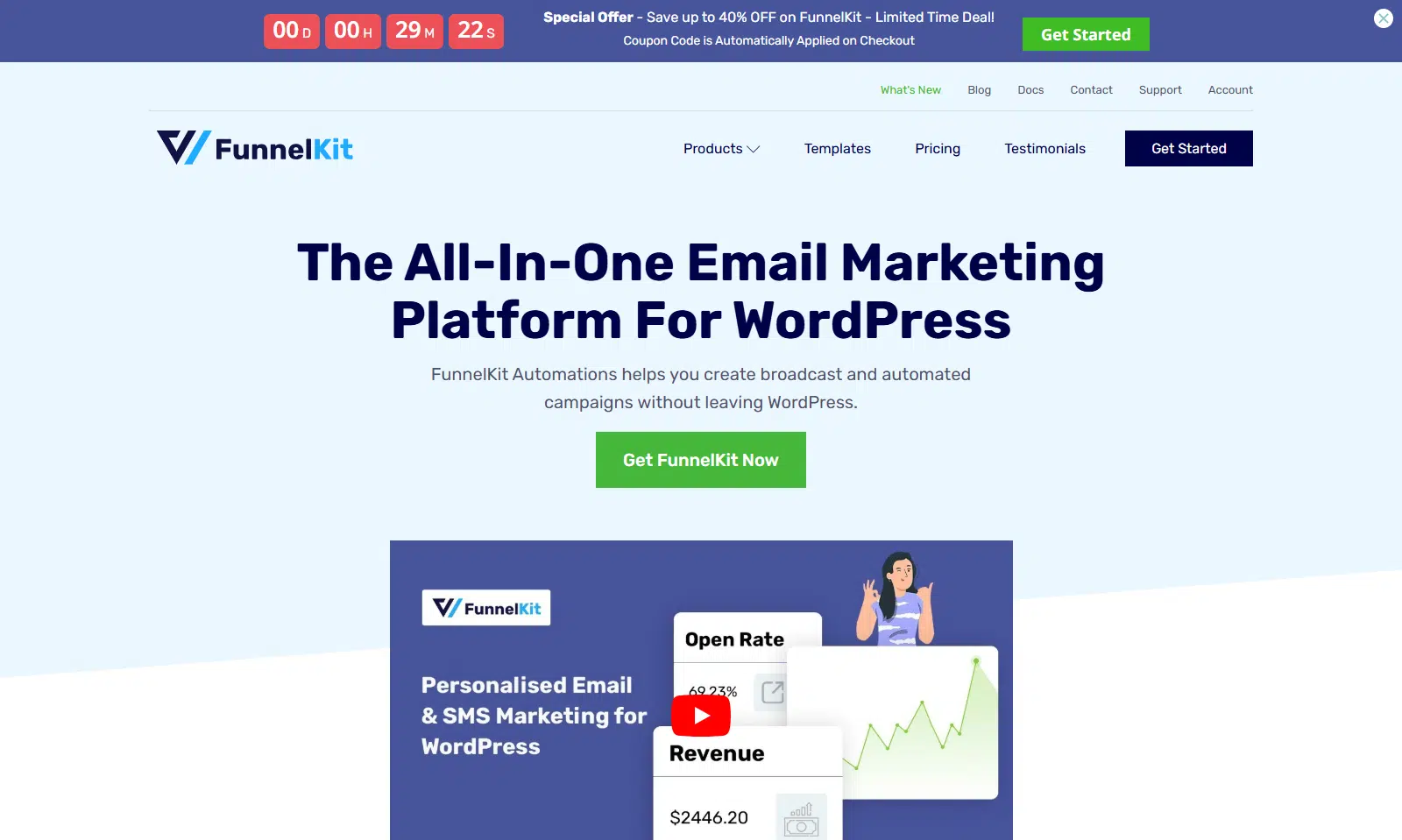
FunnelKit Automations helps you automate your marketing and email efforts. It’s built for online store owners and marketers who want to save time and get better results from their lists.
If you run an eCommerce store with WooCommerce, FunnelKit makes managing emails and customer communication much easier. You can set up automatic follow-ups, welcome messages, and purchase tracking directly in WordPress.
Why I Love FunnelKit
What I find helpful is how easy FunnelKit makes automation, especially for a busy store. I can quickly set up abandoned cart emails to bring back customers without reaching out manually.
Another nice feature is the clear reporting dashboard, so I can see which emails are performing and which need changes.
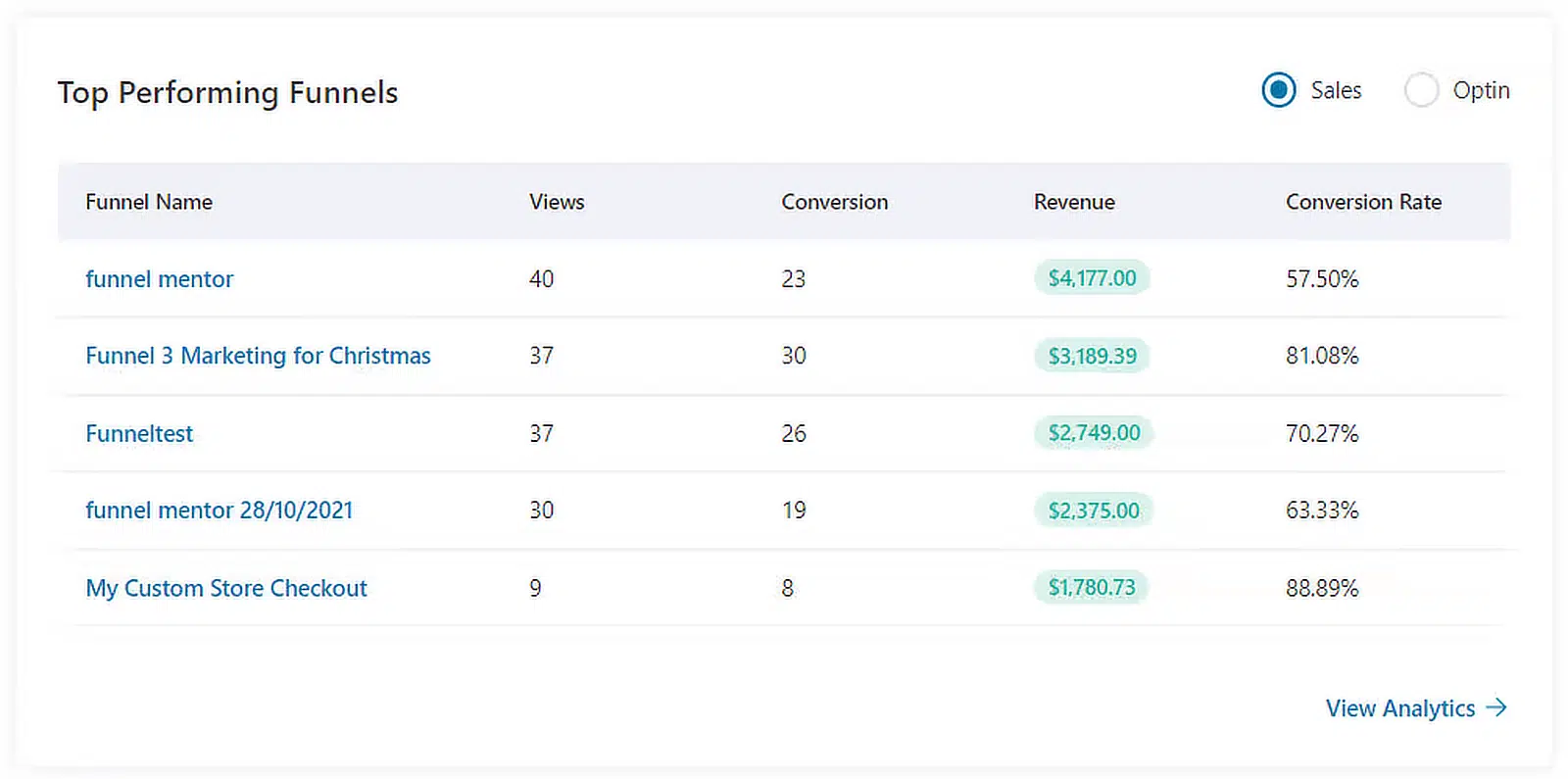
It connects directly with WooCommerce, pulling order information into your campaigns so you can send more targeted messages. And the interface is user-friendly, so even if you’re new to email automation, it’s straightforward to build effective sequences.
How Much Does FunnelKit Cost?
FunnelKit Automations starts at $99.50/year for a single website. There are discounted bundles if you need it on more sites or want the full funnel-building platform.
8. Uncanny Automator – Best for Automating Email Marketing
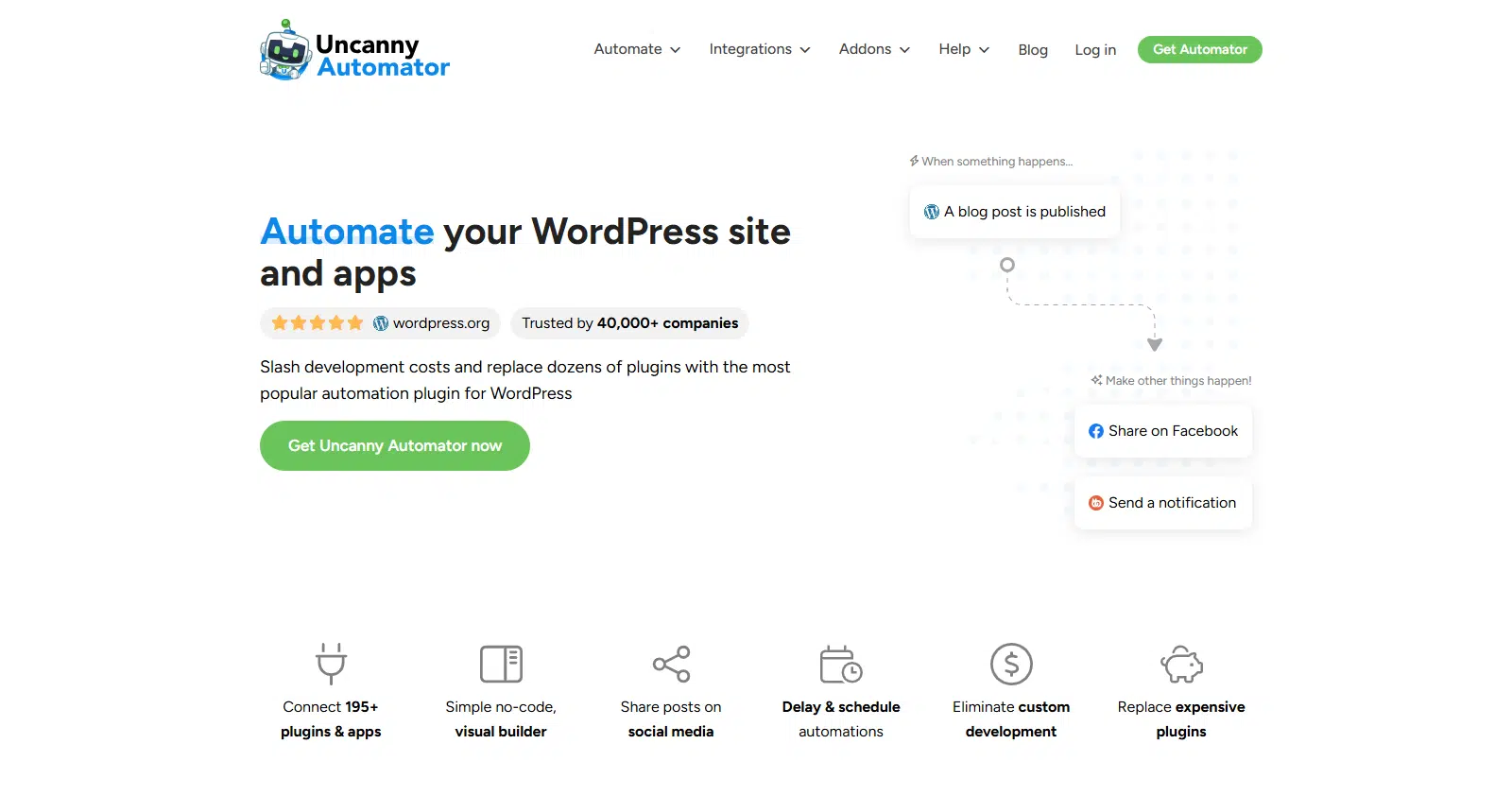
Uncanny Automator connects the different plugins on your website and makes them work together. It’s especially useful if you have many plugins and want to automate tasks to save time.
If you use plugins like WPForms or OptinMonster, Uncanny Automator is helpful. It lets you create rules where an action in one plugin triggers an automatic response in another.
Why I Love Uncanny Automator
I appreciate how easy it is to set up automatic actions. I use it to connect plugins like OptinMonster and WooCommerce to my email tools.
It also provides clear reports on completed tasks, which helps me track which automations are most useful and adjust them when there’s room for improvement.
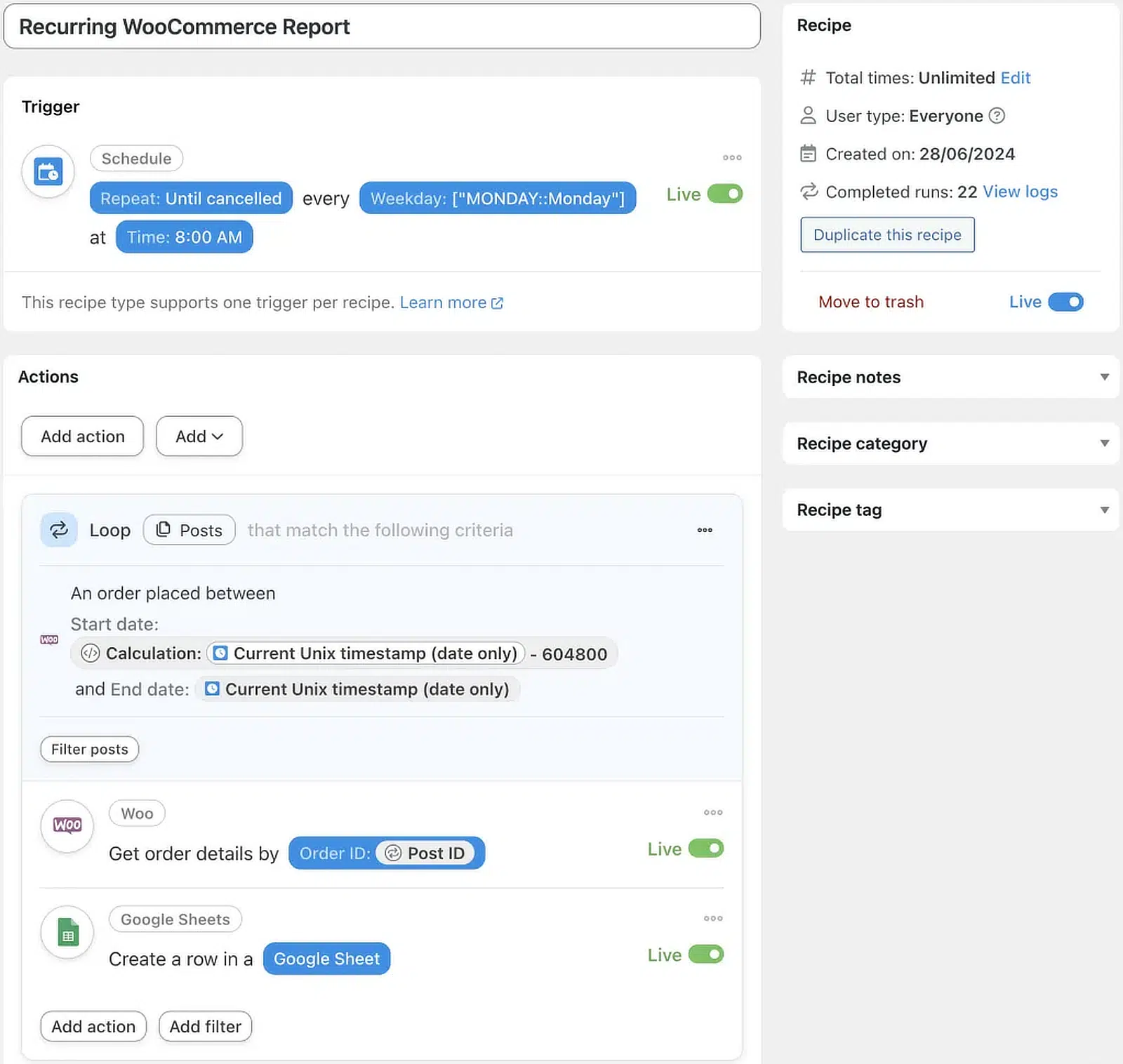
The interface is user-friendly, so automation tasks are approachable even for beginners, guiding you clearly through each step.
How Much Does Uncanny Automator Cost?
Uncanny Automator has a free version for basic automation. For more advanced features and higher usage, paid plans start at around $199/year.
9. MailPoet – Best Dedicated WordPress Solution
MailPoet is a strong choice for WordPress users because it lets you manage email marketing directly inside the WordPress dashboard, without juggling multiple platforms.
Why I Love MailPoet
MailPoet keeps everything in one place. It has a drag-and-drop email builder, segmentation, and automation workflows, all without leaving WordPress.
Its built-in sending service handles deliverability, so you don’t need a separate SMTP provider for MailPoet’s own campaigns. For WooCommerce users, it integrates deeply, so you can send targeted, automated campaigns based on customer behavior and purchase history. It also tracks revenue per email inside WordPress, which is useful for measuring ecommerce ROI.
How Much Does MailPoet Cost?
MailPoet has a free plan for up to 1,000 subscribers and 5,000 emails a month. Paid plans start at $11 per month for up to 1,250 subscribers and scale with your subscriber count (around $100 per month at 10,000 contacts).
10. The Newsletter Plugin – Best Free Option in WordPress
The Newsletter Plugin is a good choice if you want a flexible email marketing tool inside WordPress, especially given how capable its free version is.
Why I Love The Newsletter Plugin
The Newsletter Plugin lets you create, send, and track newsletters without leaving your WordPress dashboard. The visual composer makes designing emails straightforward, and the free tier includes unlimited subscribers and emails, which is a real advantage on a budget. It also offers segmentation and basic automation, so it’s a solid foundation for growing and engaging your list.
How Much Does The Newsletter Plugin Cost?
The core plugin is free and allows unlimited subscribers and emails. Premium extensions come in bundles, starting around $65/year for a single site, which covers updates and support for the premium features.
FAQs About WordPress Email Marketing Plugins
WordPress email marketing plugins are a popular topic among our readers. Here are answers to some common questions.
What’s the easiest WordPress plugin to start building an email list?
OptinMonster is the easiest way to quickly build an email list. It helps you create attractive signup forms and popups without technical skills.
How do I connect an email marketing plugin to WordPress forms?
You can connect your email plugin to WordPress forms using WPForms. It integrates with platforms like Mailchimp, Constant Contact, and Brevo in just a few clicks.
Are there free email marketing plugins for WordPress?
Yes. Plugins like Brevo and Omnisend offer free plans with basic features so beginners can grow their lists without upfront costs.
What’s the difference between an SMTP plugin and an email marketing plugin?
An SMTP plugin helps your site send emails more reliably. It replaces WordPress’s default mail system with a trusted email service so messages like contact-form replies or password resets don’t get lost or land in spam. An email marketing plugin, on the other hand, helps you gather email addresses, build lists, send newsletters or drip campaigns, and manage contacts.
Can I send newsletters from WordPress without a third-party service?
Yes. You can use plugins like MailPoet or The Newsletter Plugin to create and send newsletters right from your own site. Just be sure to use an SMTP plugin like WP Mail SMTP alongside them so your newsletters actually reach inboxes.
How do I connect my forms (WPForms/CF7) to an email list?
With WPForms, it’s easy. It offers built-in addons for Brevo, Mailchimp, ConvertKit, and others, so when people sign up via a form their details go straight into your email list. For Contact Form 7, look for a dedicated connector like “Mailchimp for WordPress” to link submissions to your email platform.
Which plugins support tags, segments, and drip campaigns?
Brevo supports tags, lists, and workflow-based drip campaigns right from your WordPress dashboard, and HubSpot’s plugin also includes automation and segmentation tools.
Next, Check Out These Best Plugin Roundups
WordPress email plugins can do much more than send transactional and marketing emails. Here are more of our roundups for managing your WordPress email better:
Ready to fix your emails? Get started today with the best WordPress SMTP plugin. If you don’t have the time to fix your emails, you can get full White Glove Setup assistance as an extra purchase, and there’s a 14-day money-back guarantee for all paid plans.
